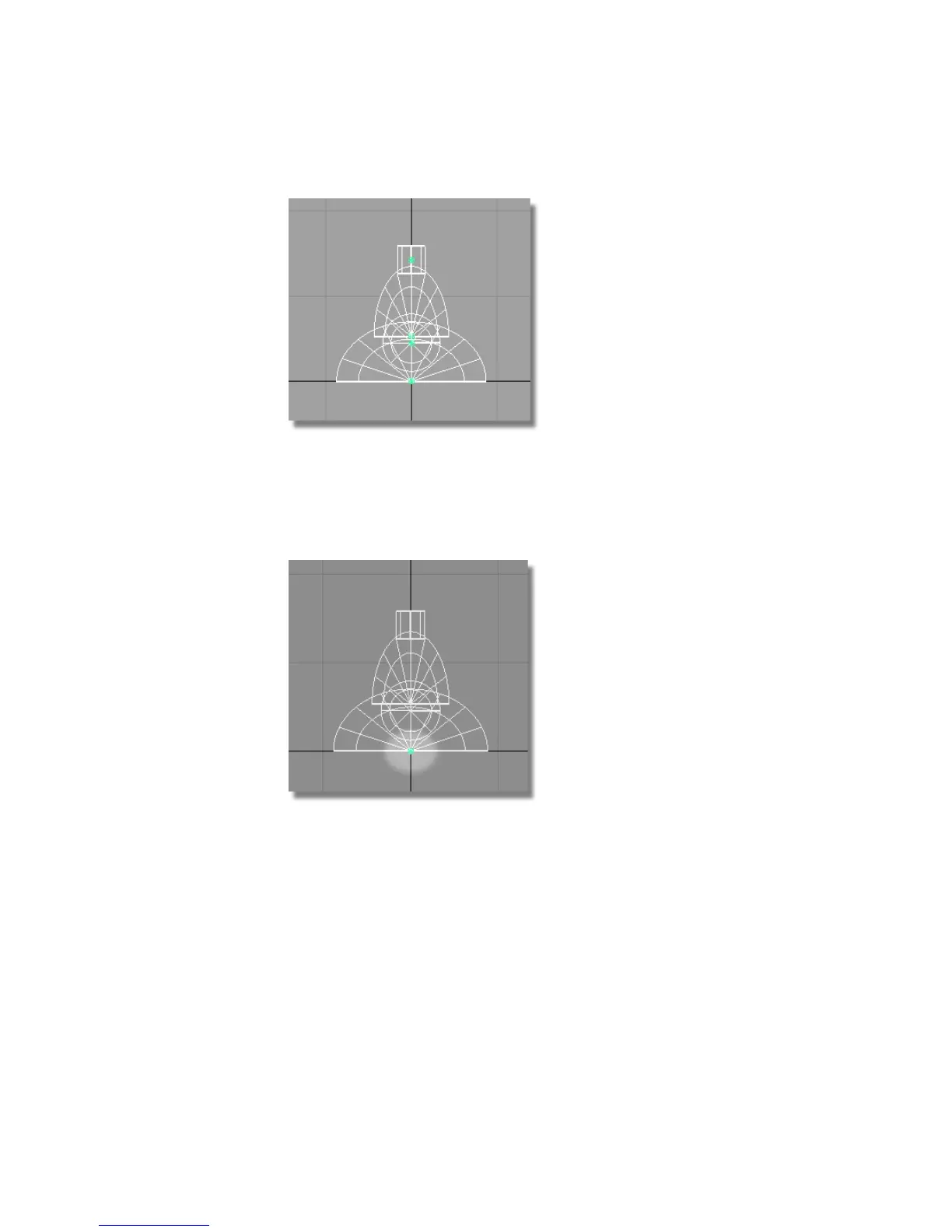
3 Right-click on the selected objects in the Object Lister and choose
Group from the pulldown menu (or choose Edit > Group ).
The objects are still selected, but notice they now have a single pivot
point at the origin. The default location for a new pivot point is the
origin.
The lampshade is designed to rotate where it connects to the lamp arm.
So next, you will adjust the pivot point to be in the center of the cylinder.
4 Choose Transform > Local > Set Pivot . Use the right mouse button to move
the pivot upwards, to approximately the center of the cylinder.
134 | Chapter 4 Introduction to 3D



 To Next Page