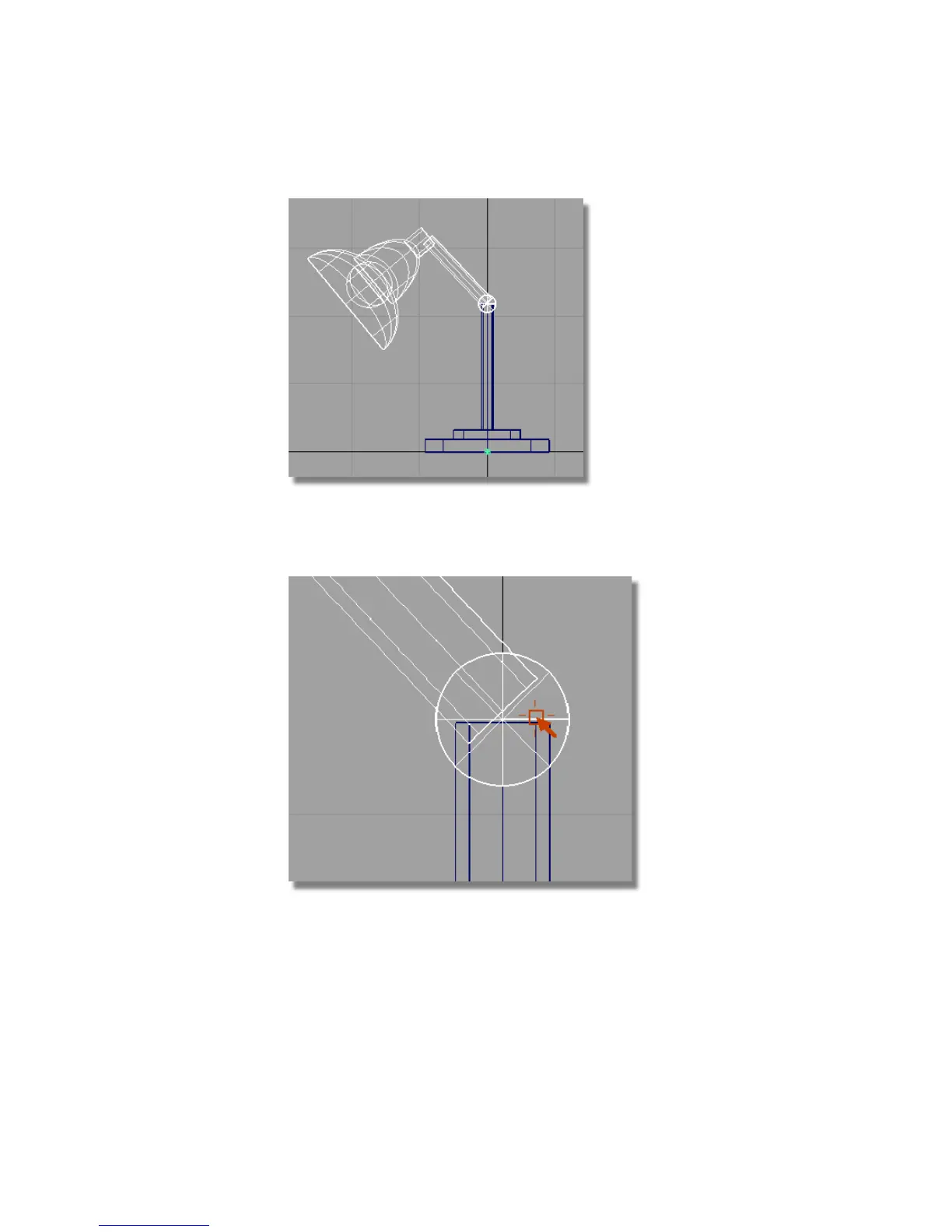
4 With Upper Assembly selected, choose Transform > Local > Set Pivot .
Hold the Ctrl and Alt (Windows) or Control and Command (Mac) keys down
and use the right mouse button to click the center-line of the hinge cylinder.
The pivot point moves to the center of the hinge.
142 | Chapter 4 Introduction to 3D



 To Next Page