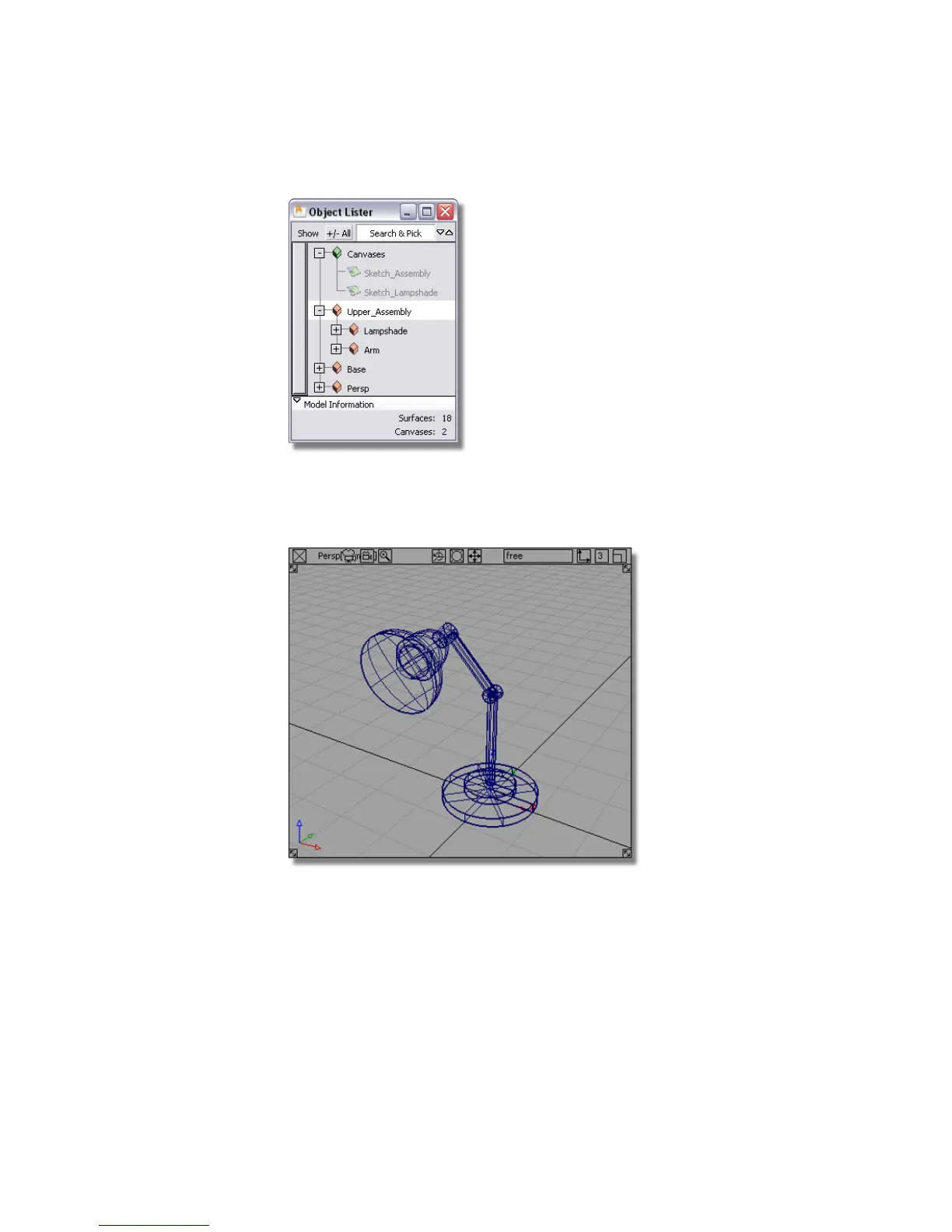
These groups and subgroups allow you to move and rotate different
components of the lamp.
2 Maximize the perspective view.
3 Click the Upper Assembly in the Object Lister to select the group.
4 Choose Transform > Rotate . Use the middle mouse button to rotate the
upper assembly about the y-axis.
144 | Chapter 4 Introduction to 3D



 To Next Page