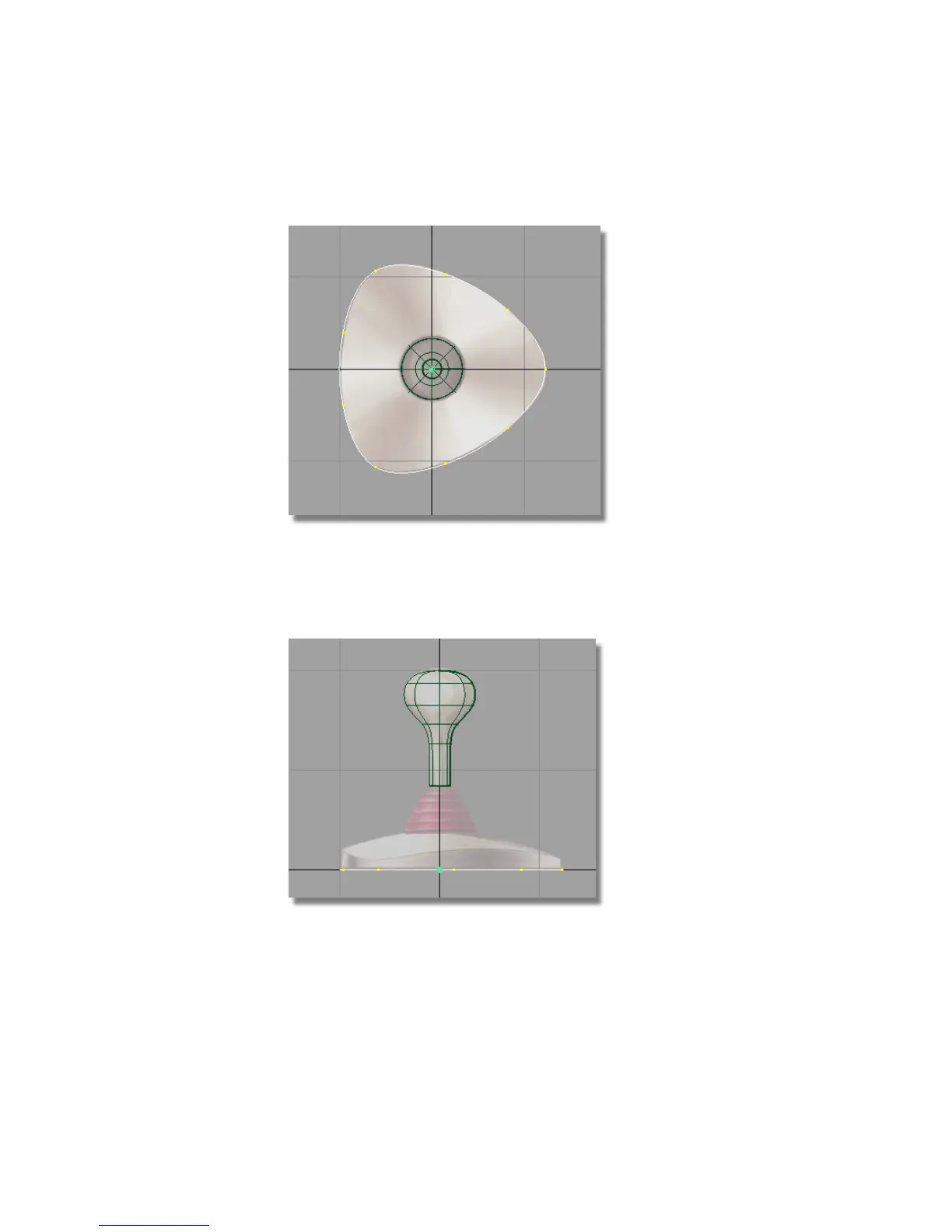
2 Choose Edit > Copy followed by Edit > Paste .
The screen appears unchanged, but a second curve is created and placed
at the same location as the first. This curve is selected (shown in white)
and ready to move.
3 Choose Layouts > Left or press the F6 hotkey to maximize the Left view.
4 Choose Transform > Move .
184 | Chapter 5 Modeling a Joystick



 To Next Page