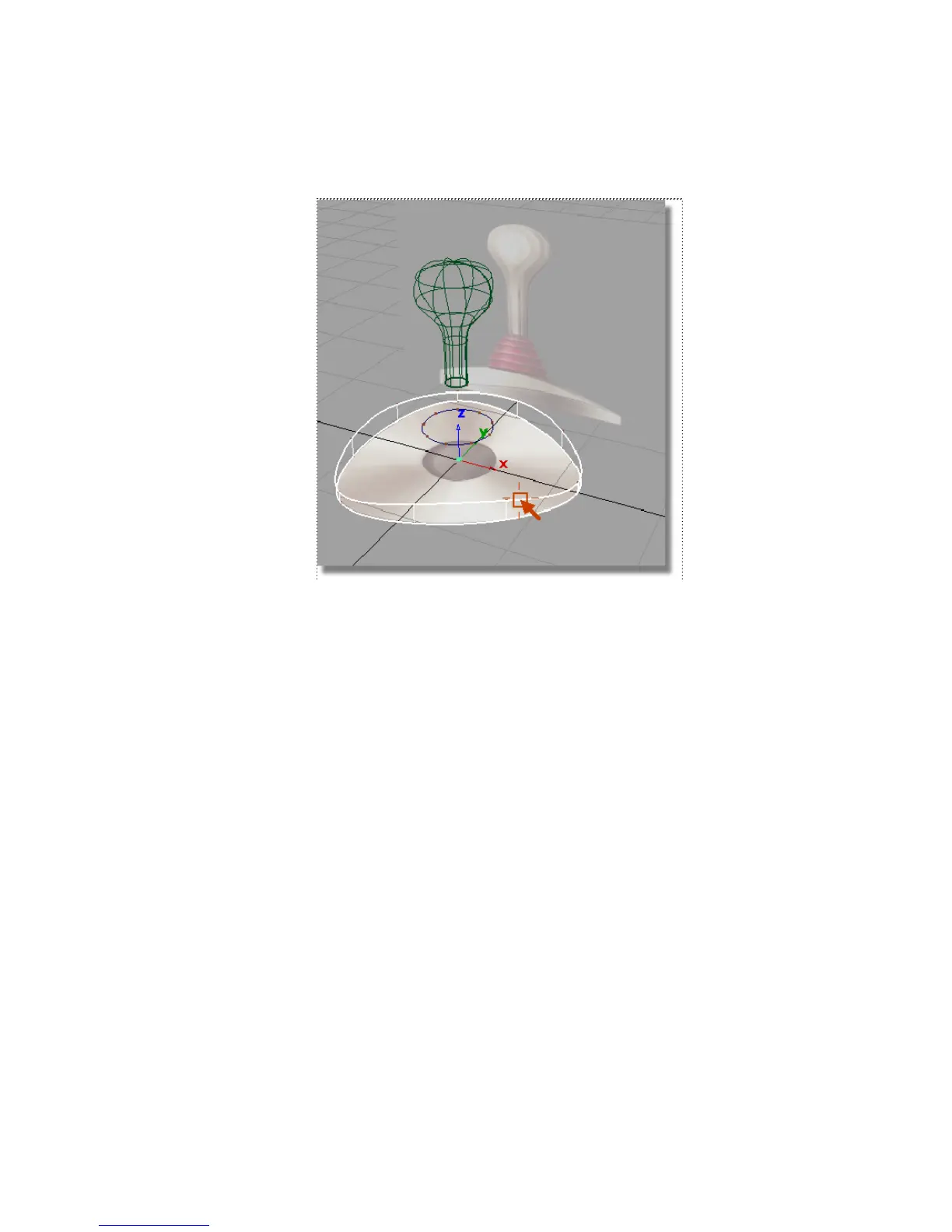
A skin surface is created between the two curves.
Next, you will create the surface across the top of the base component.
6 With the Skin tool still active, select the second triangular curve again.
The pick chooser offers a choice between the curve and the surface you
just created.
Part 2: Creating the Joystick Base | 193



 To Next Page