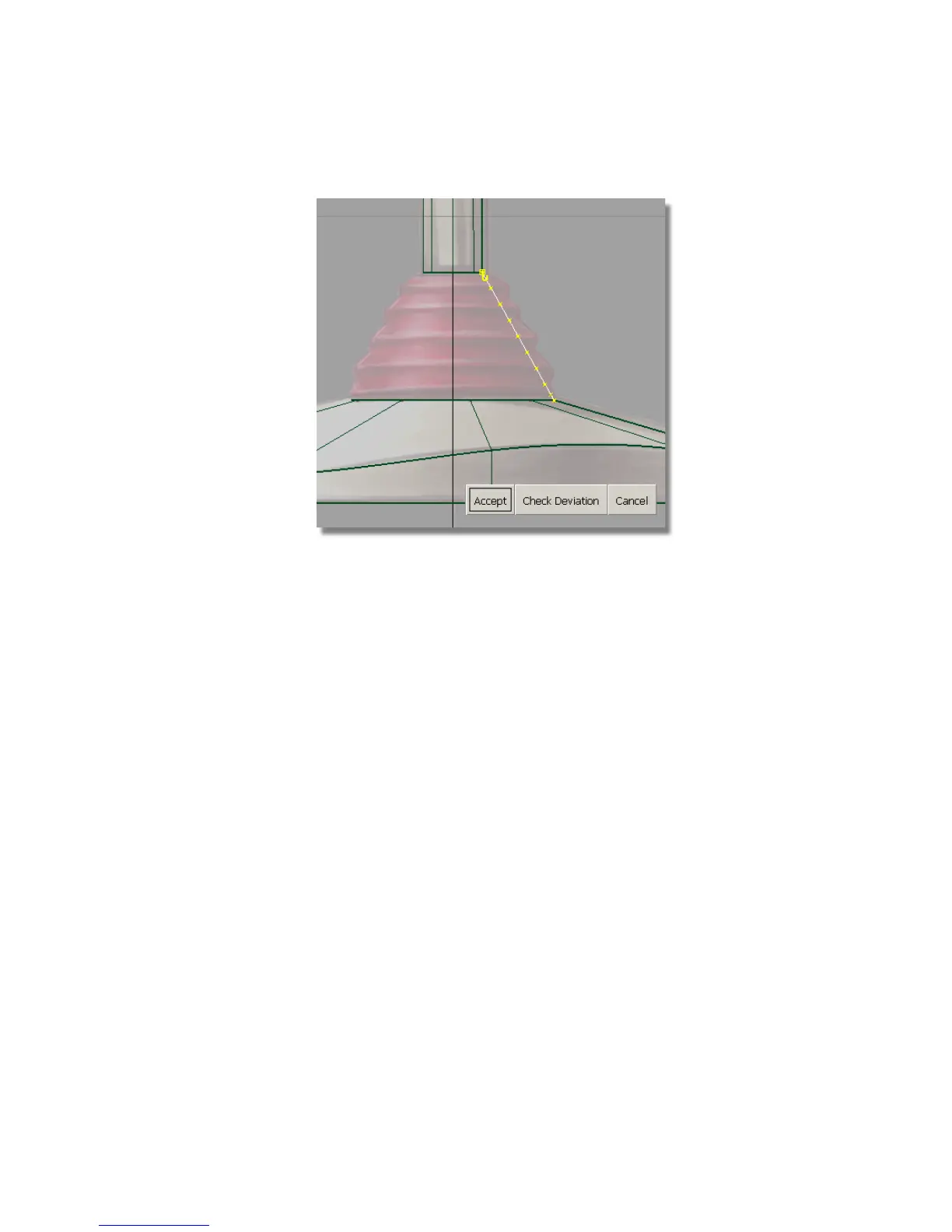
Choose Accept to confirm the rebuild.
7 Choose Pick > Nothing to deselect the curve.
Next, you will select some of the CVs to be moved to shape the curve.
Looking at the top of the curve, the first CV is shown as a small square,
and the second CV is shown as a U. You will leave these two CVs
unselected, so the sleeve profile stays connected to the handle, and the
direction of the end tangent is not modified.
8 Choose Pick > Point Types > CV .
9 Continue counting from the top and select the third, fifth, seventh and
ninth CVs.
Part 3: Creating the Flexible Sleeve | 205



 To Next Page