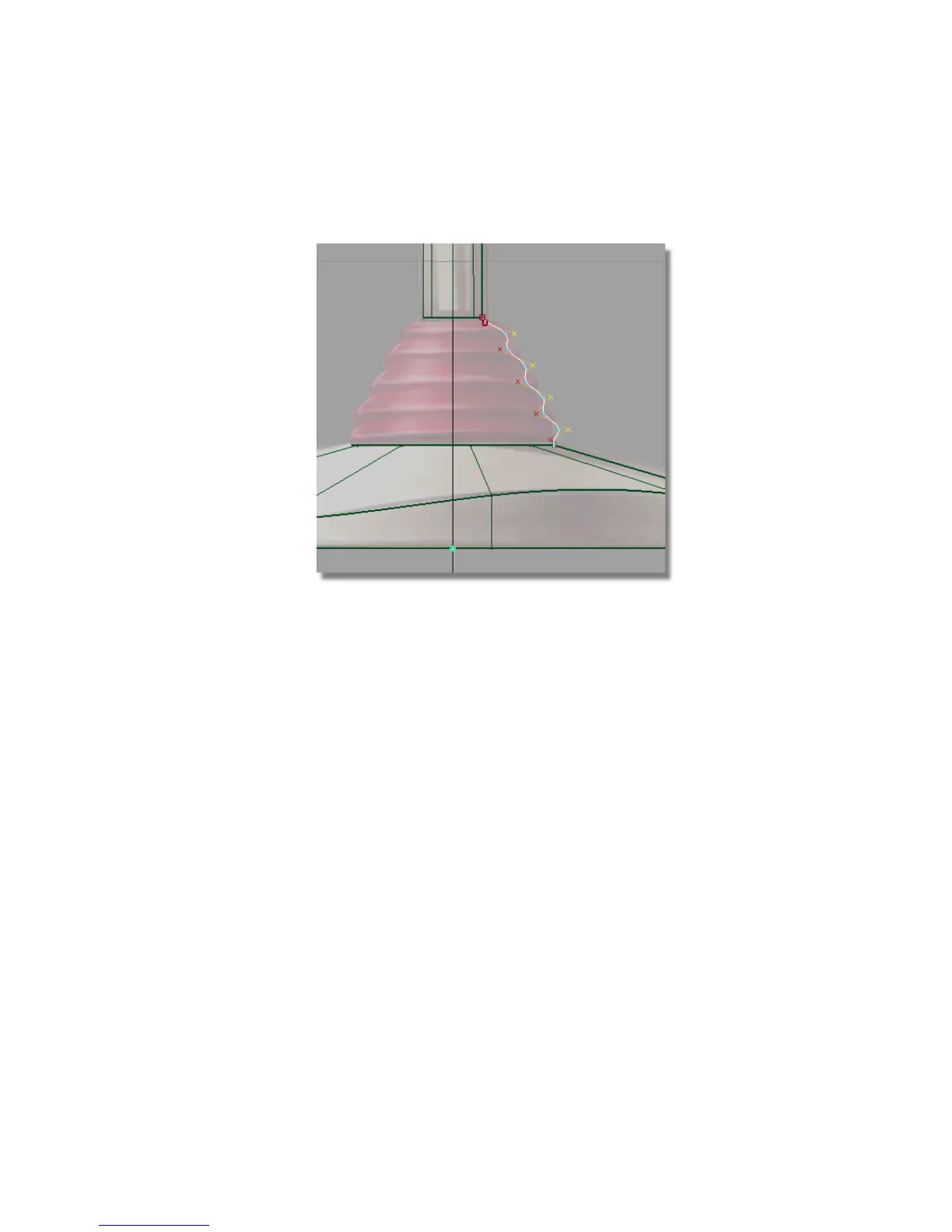
11 Click and drag the middle mouse button to the right until a gentle zig-zag
shape is created, as shown.
12 With the CVs still selected, click on the CV/Hull check box to turn off
the CVs and hulls for the curve.
13 Choose Pick > Nothing to deselect the CVs.
Part 3: Creating the Flexible Sleeve | 207



 To Next Page