Next, you will select all the curves to be assigned to the layer. You will
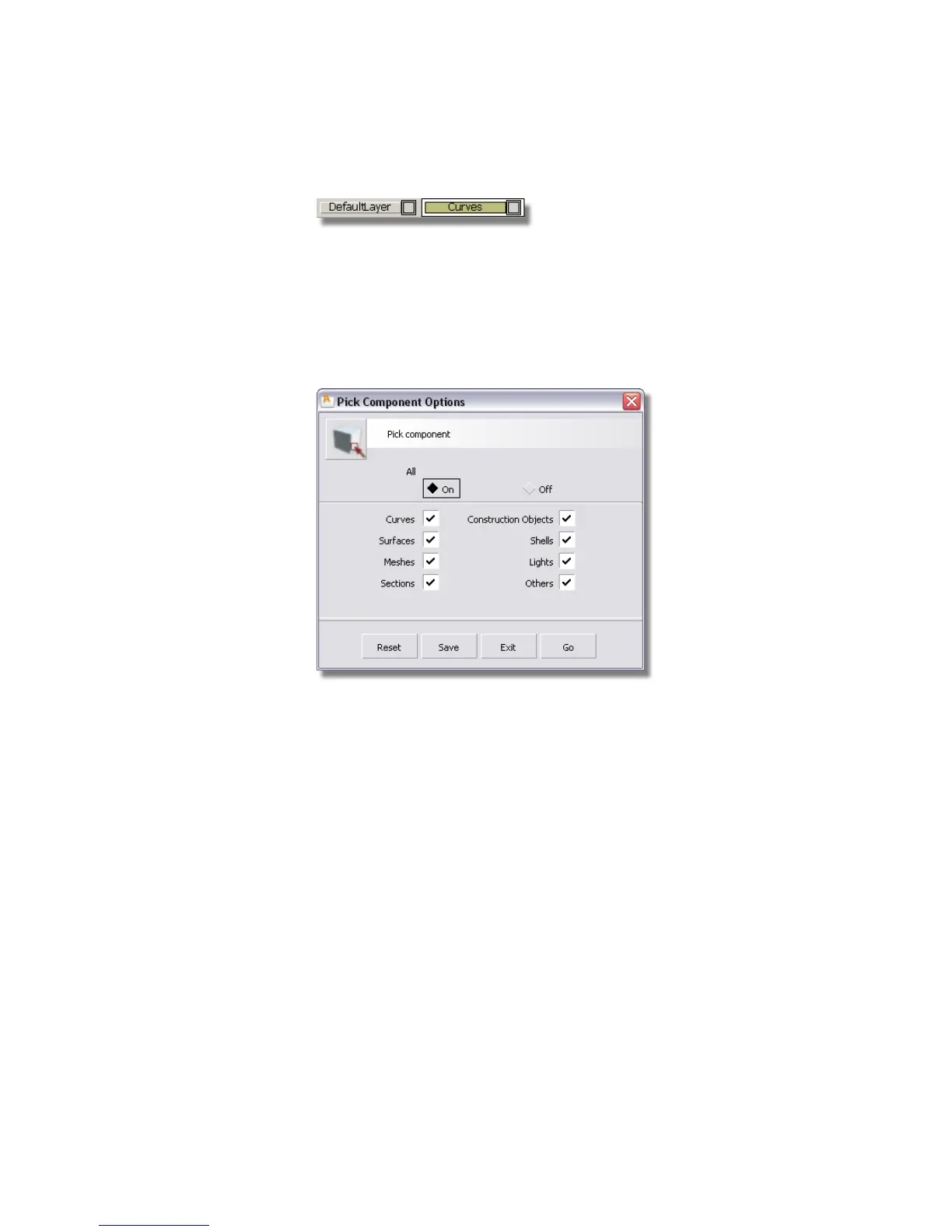
use the Pick > Component tool which allows you to specify the type of
object you want to select. In this case, you will set it to select curves only,
so that all the curves can be easily selected using a drag box.
3 Choose Pick > Component .
4 Double-click the icon to open the option box.
Deselect all the options except Curves. Select the Go button at the
bottom of the option box.
Part 5: Assigning objects to layers | 225



 To Next Page