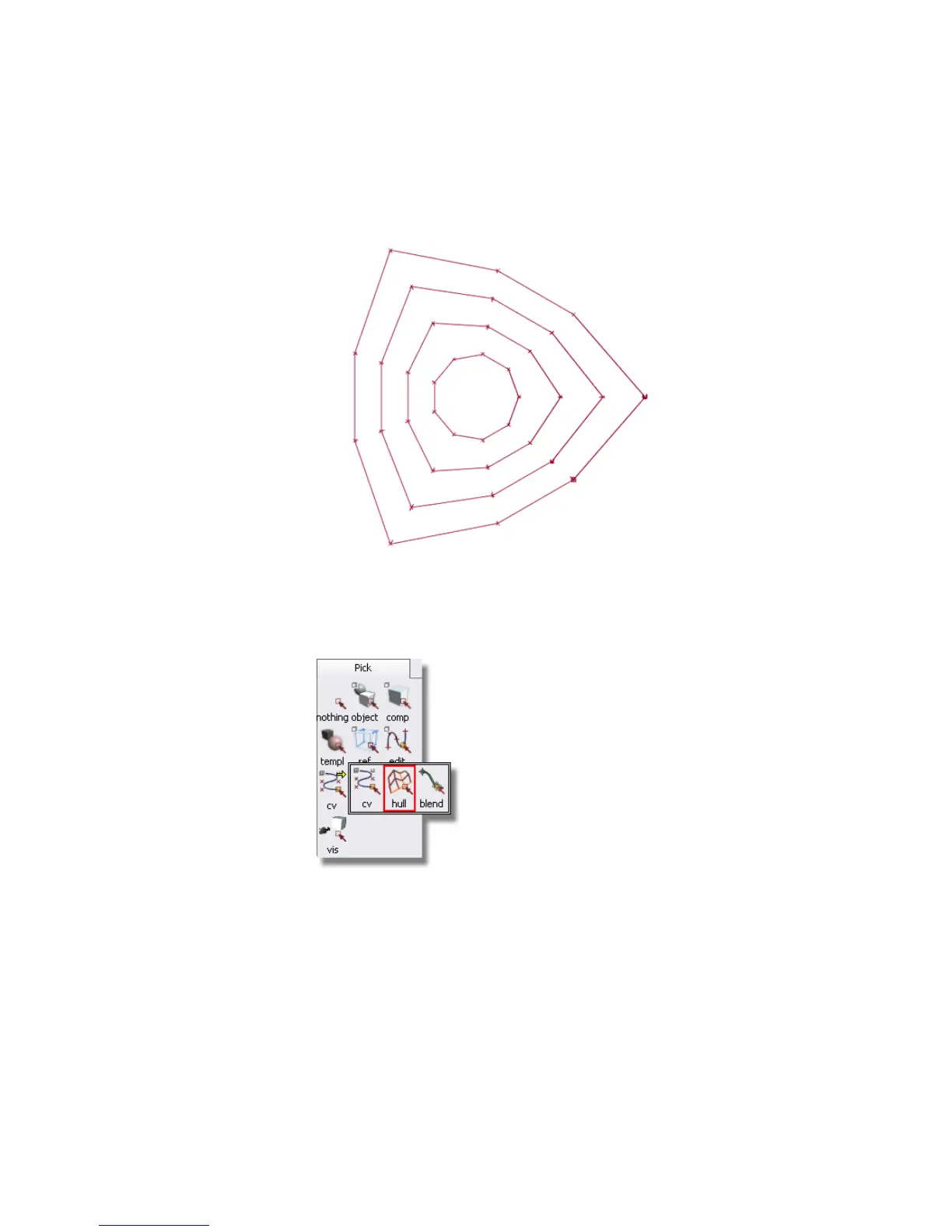
The other set of hulls goes around the surface.
You will select the two center hulls from this set to sculpt a gentle curve
into the top surface of the joystick base.
5 Choose Pick > Point Types > CV .
Click the red hull line connecting the second row of CVs in from the
outer edge.
Part 6: Directly modifying surfaces | 241



 To Next Page