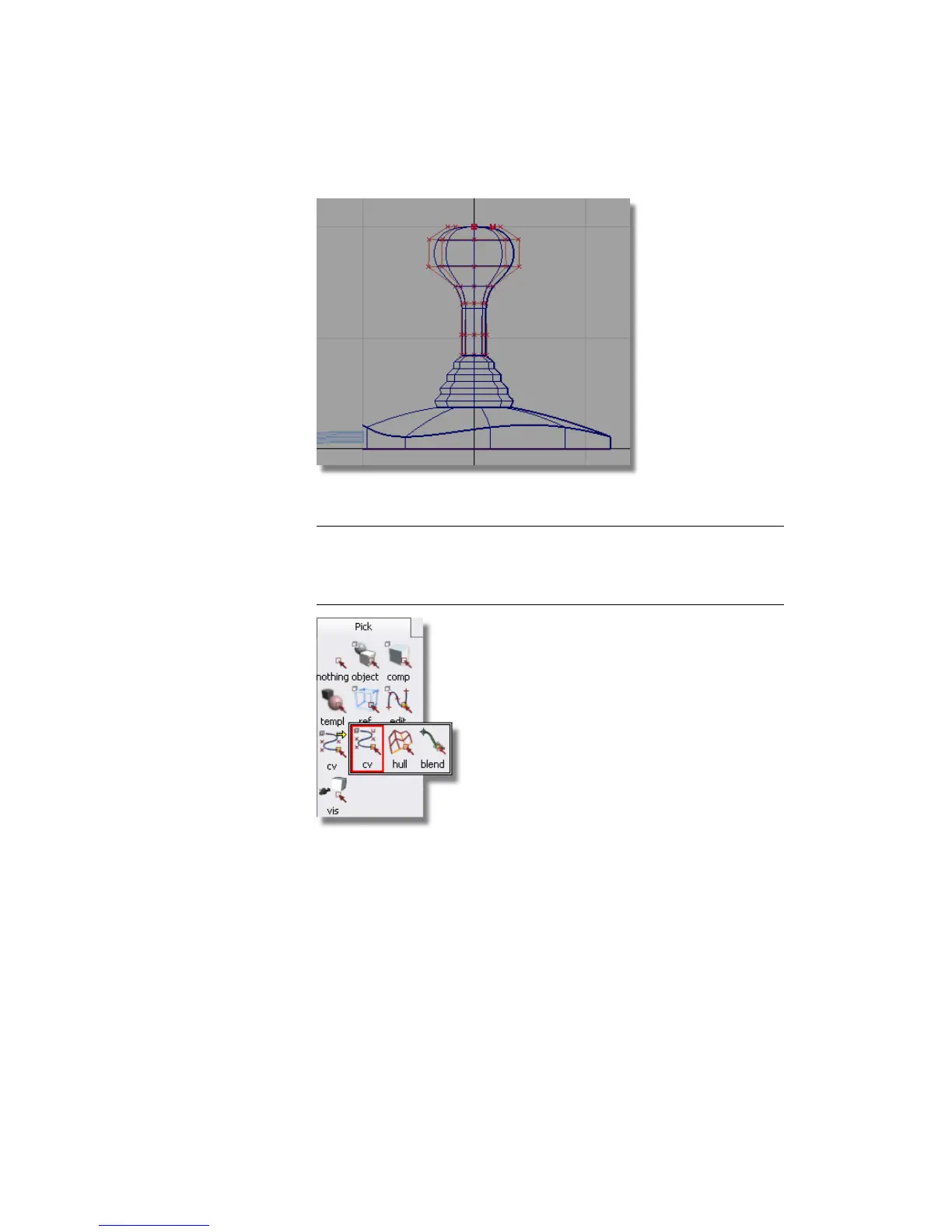
Next, you will select the CVs that shape the top of the handle.
NOTE The pick palette has the Pick > Hull tool showing. Click and hold
the left mouse button on the Pick > Hull icon to open the tool drawer. Move
the mouse to the CV icon and release to select the Pick Point Types > CV
tool.
4 Choose Pick > Point Types > CV . Drag a pick box around the top right
set of CVs shown below.
Part 6: Directly modifying surfaces | 247



 To Next Page