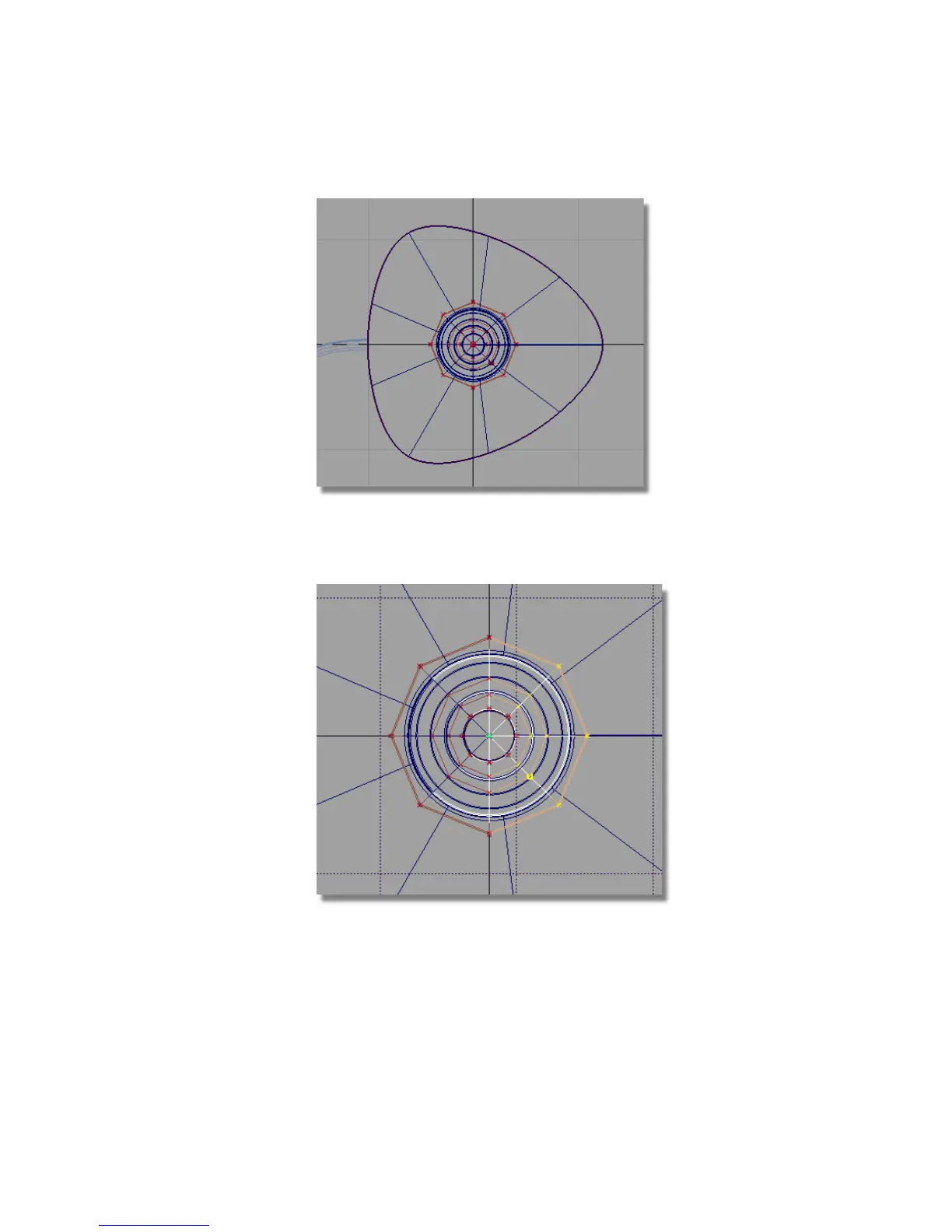
6 Zoom in to see the handle CVs clearly. Hold down the Shift and Alt
(Windows) or Shift and Command (Mac) keys together and click and drag
the right mouse button to zoom.
7 Choose Transform > Non-p Scale .
8 Click and drag the right mouse button to reshape the handle.
Part 6: Directly modifying surfaces | 249



 To Next Page