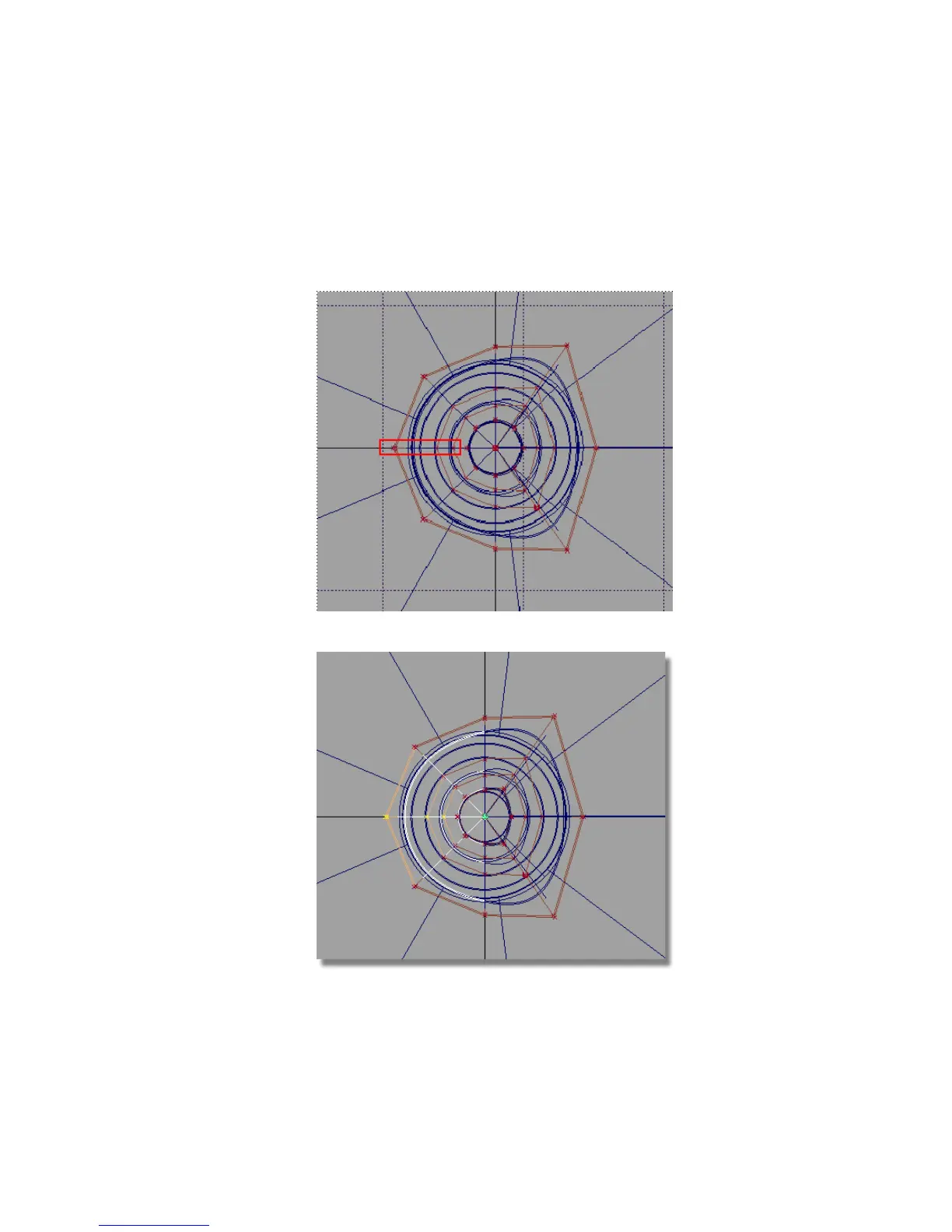
Next, you will select the CVs to the left of the handle, so you can create
a soft pointed shape.
10 Choose Pick > Point Types > CV and drag a pick box over the central CVs
on the left of the handle.
The center-line CVs are selected and highlighted in yellow.
Part 6: Directly modifying surfaces | 251



 To Next Page