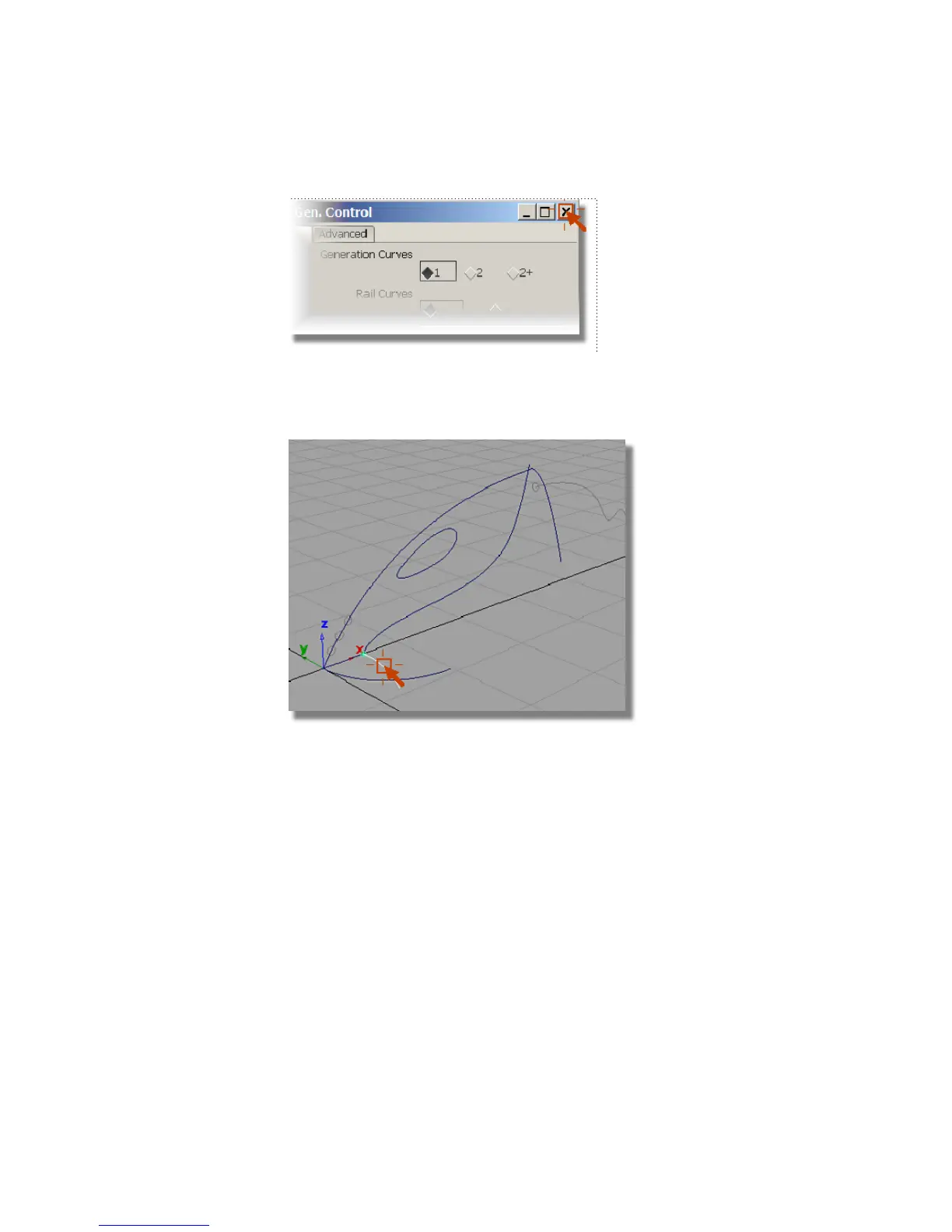
You are now prompted to select the generation curve.
6 Use the left mouse button and click the curve shown to select it as the
generation curve.
The curve is highlighted.
You are prompted to select the primary rail curve.
7 Click the lower profile of the vacuum to select it as the path curve.
286 | Chapter 6 Modeling a Vacuum Cleaner



 To Next Page