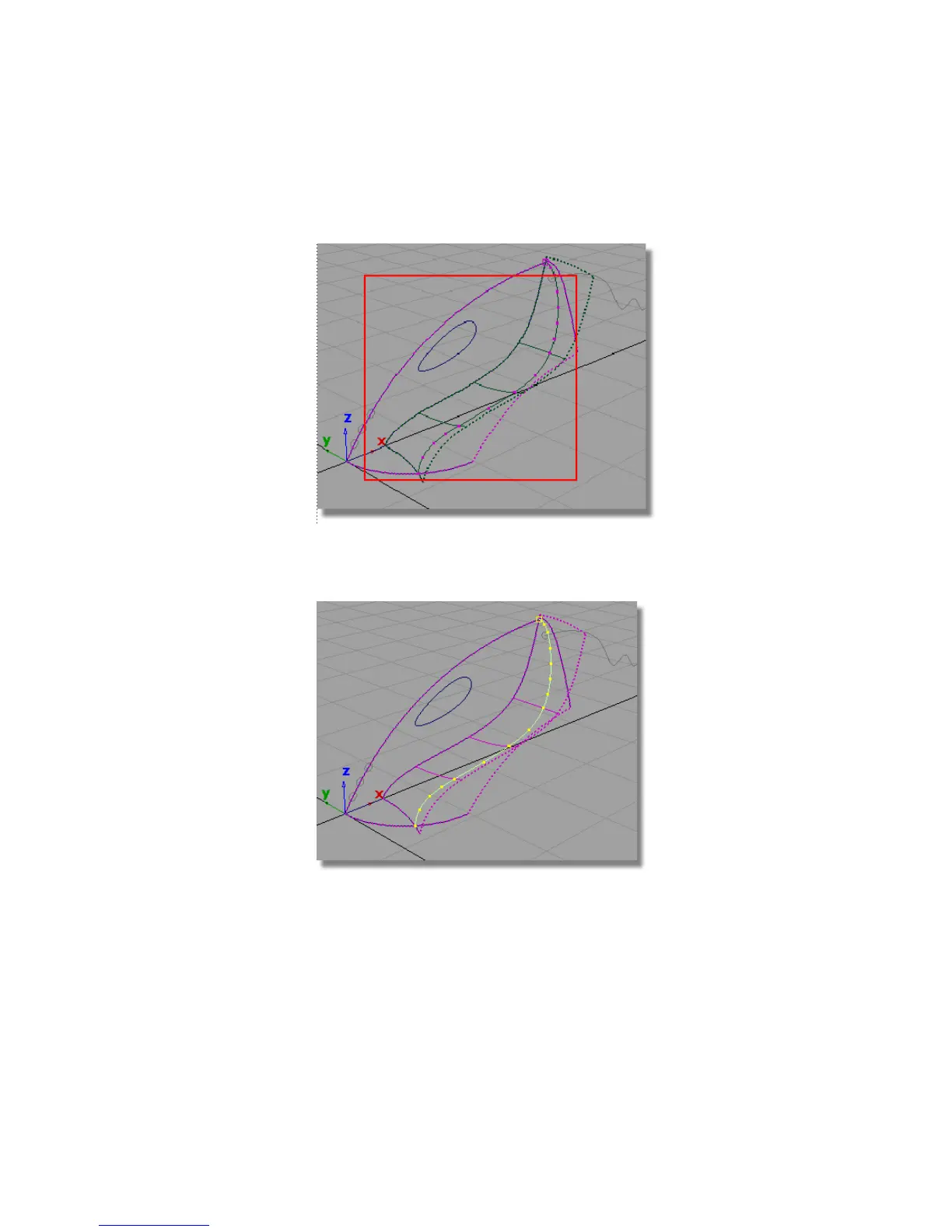
6 Drag a pick box around the intersected surfaces to pick the
curves-on-surface.
The highlighted curves that appear are the two curves-on-surface. It looks
as though there is only one curve-on-surface, but in fact there are two in
the same location, one on the upper surface, and one on the lower surface.
7 Choose Pick > Nothing to unpick the curves-on-surface.
Part 2: Intersecting and Trimming | 299



 To Next Page