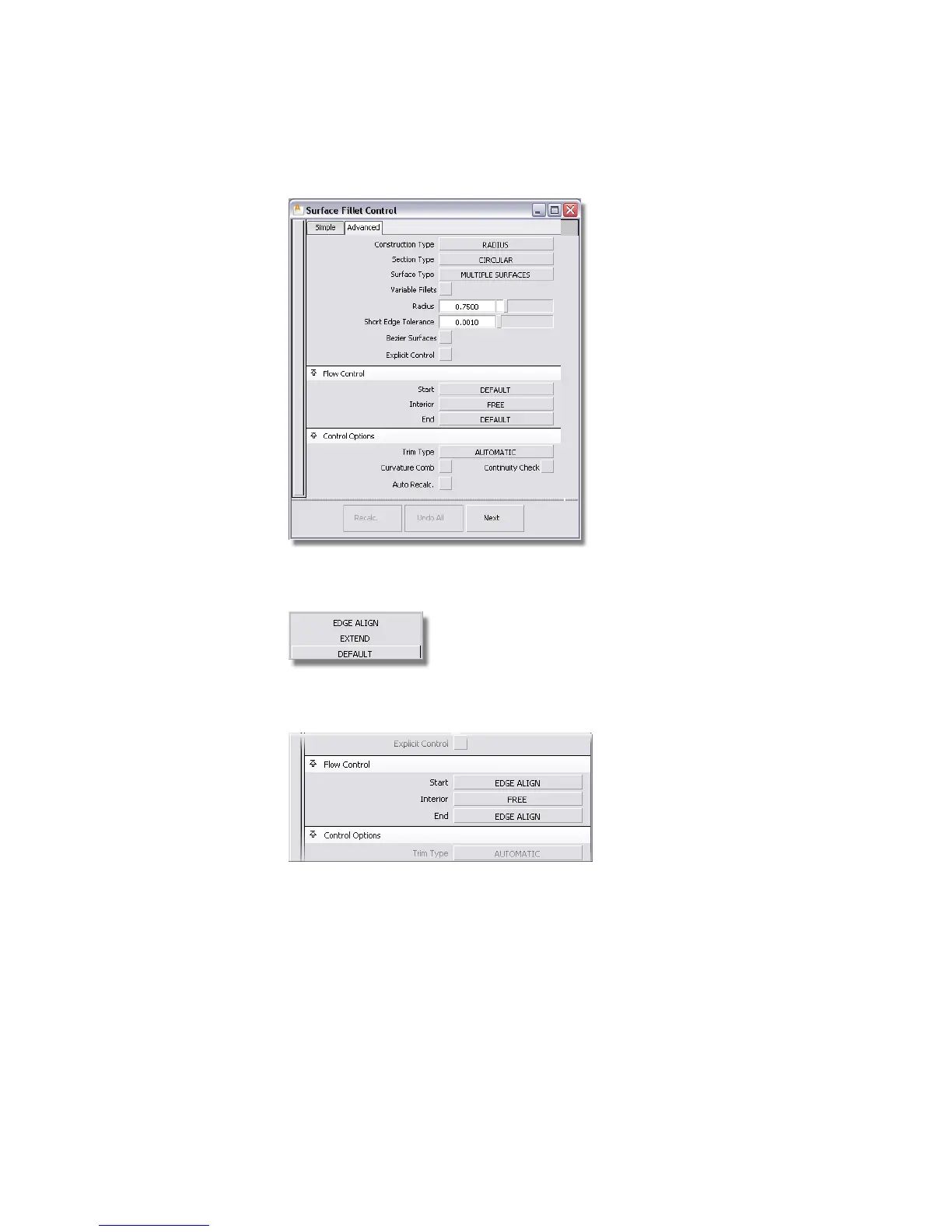
In the Flow Control section, there are pull-down menus for the Start,
Interior, and End of the fillet surface.
The Start and End options are set to DEFAULT. For the Start and End,
select EDGE ALIGN.
This choice ensures that the fillet surface is built to the full length of the
edge, and the upper and lower surfaces are correctly trimmed.
7 Close the Surface Fillet option box.
You are prompted to select the first set of surfaces.
312 | Chapter 6 Modeling a Vacuum Cleaner



 To Next Page