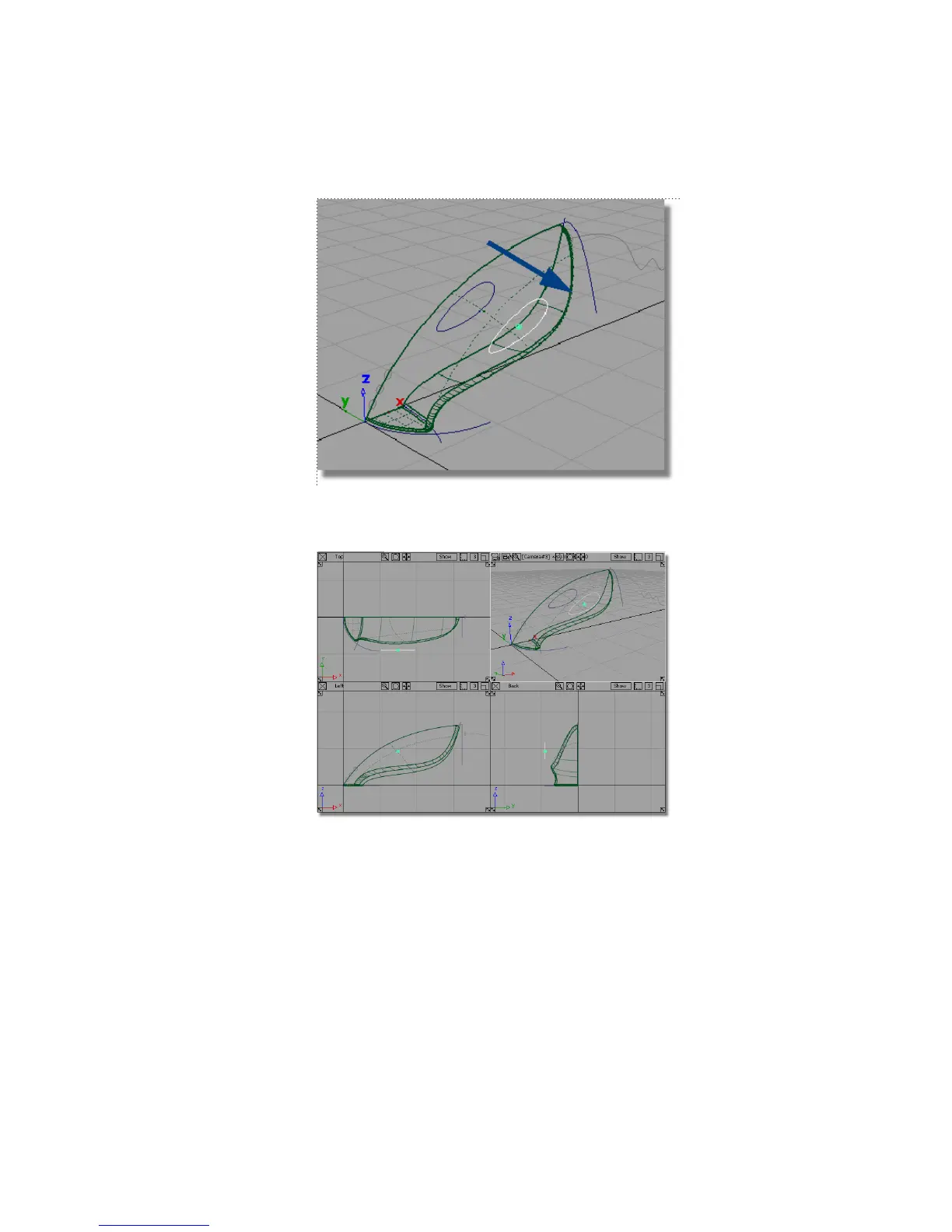
4 Use the F9 hotkey to display all four views, to check that the copied curve
is outside the main body.
5 Use the F8 hotkey to return to the perspective view.
Next, you will create a skin surface between the two handle curves.
6 Choose the Surfaces > Skin tool.
7 You are prompted to select the first curve. Click the first handle curve to
select it for the skin surface.
Part 4: Creating the Handle | 325



 To Next Page