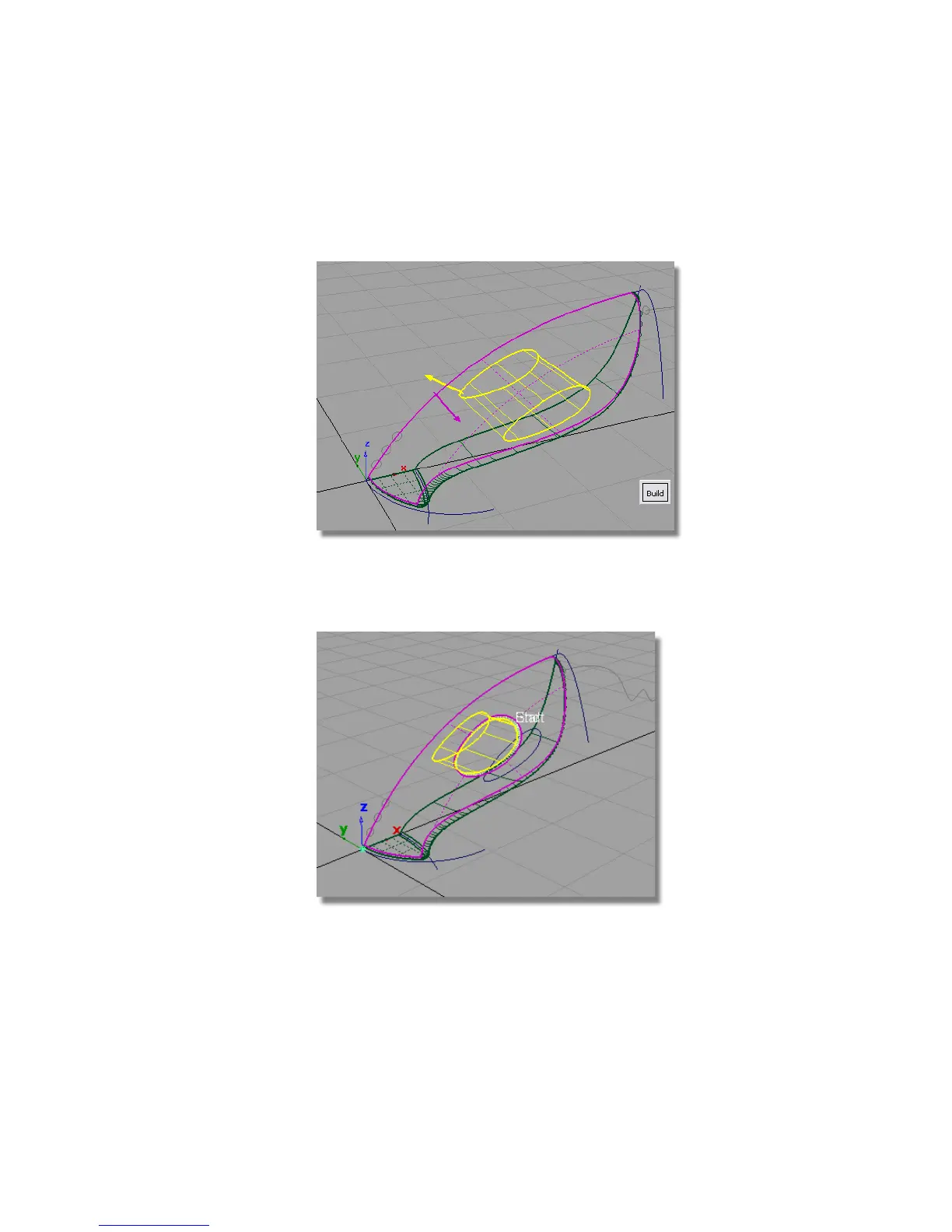
The yellow arrow needs to point outwards from the handle surface. If it
is pointing in towards the center of the handle, click the arrow to reverse
it.
6 Click Build.
A small fillet surface is created, and the upper and handle surfaces are
trimmed.
To create a comfortable handle, a larger fillet is required.
7 Choose Surfaces > Surface Fillet .p to open the option window.
Part 4: Creating the Handle | 331



 To Next Page