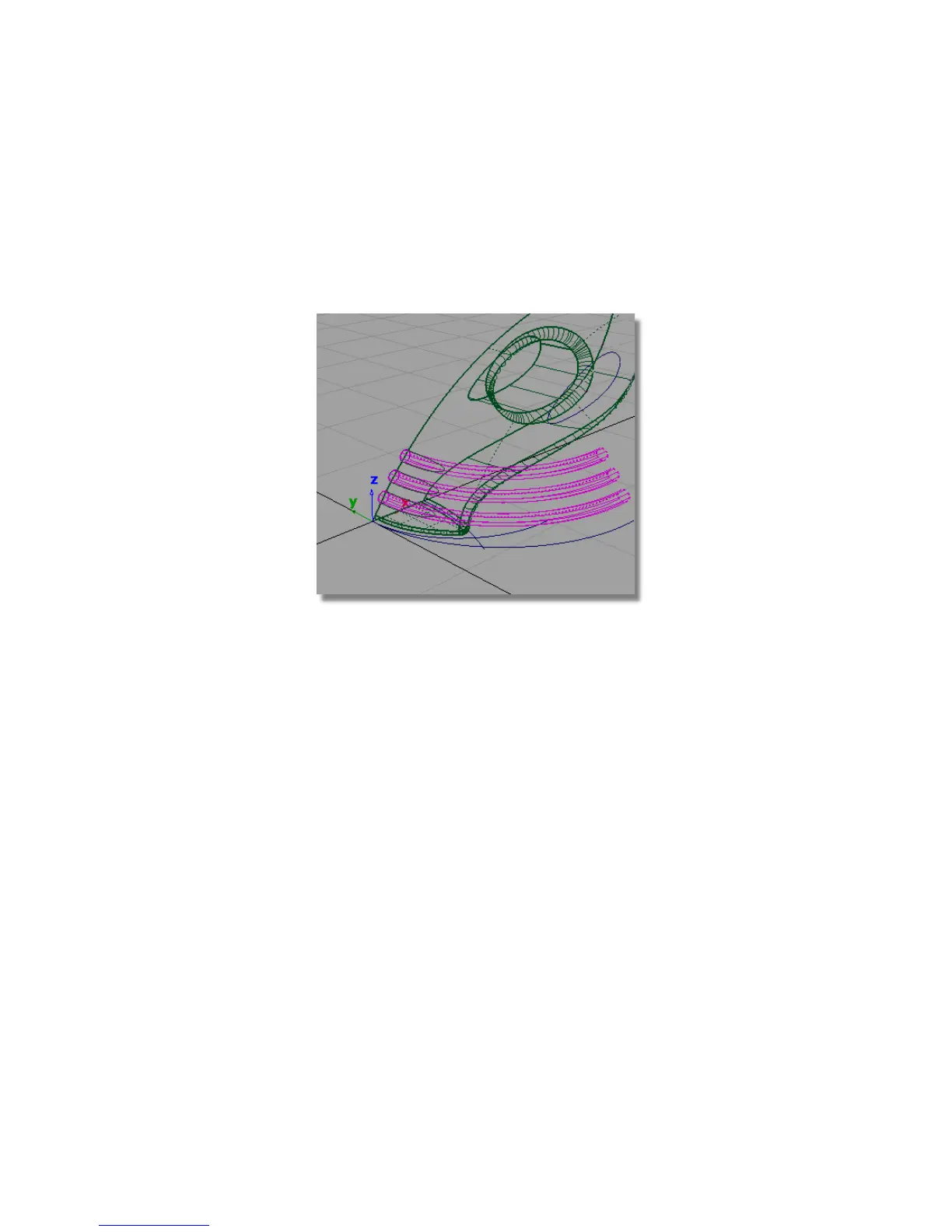
The three extruded surfaces are highlighted in pink, indicating they are
selected for intersecting.
2 Because the three extruded surfaces are already selected, you are prompted
to select the surface to be intersected.
Pick the upper surface of the vacuum.
The surfaces are intersected and the curves-on-surface created.
Now, you will trim the excess from the surfaces, starting with the extruded
surfaces. In this trimming operation, it is easier to select the part of the
surfaces you want to discard, so you will use the Discard option in the
trim tool, instead of the Keep option.
3 Choose Pick > Object and drag a pick box to select the three extruded
surfaces.
Part 5: Air Vents | 341



 To Next Page