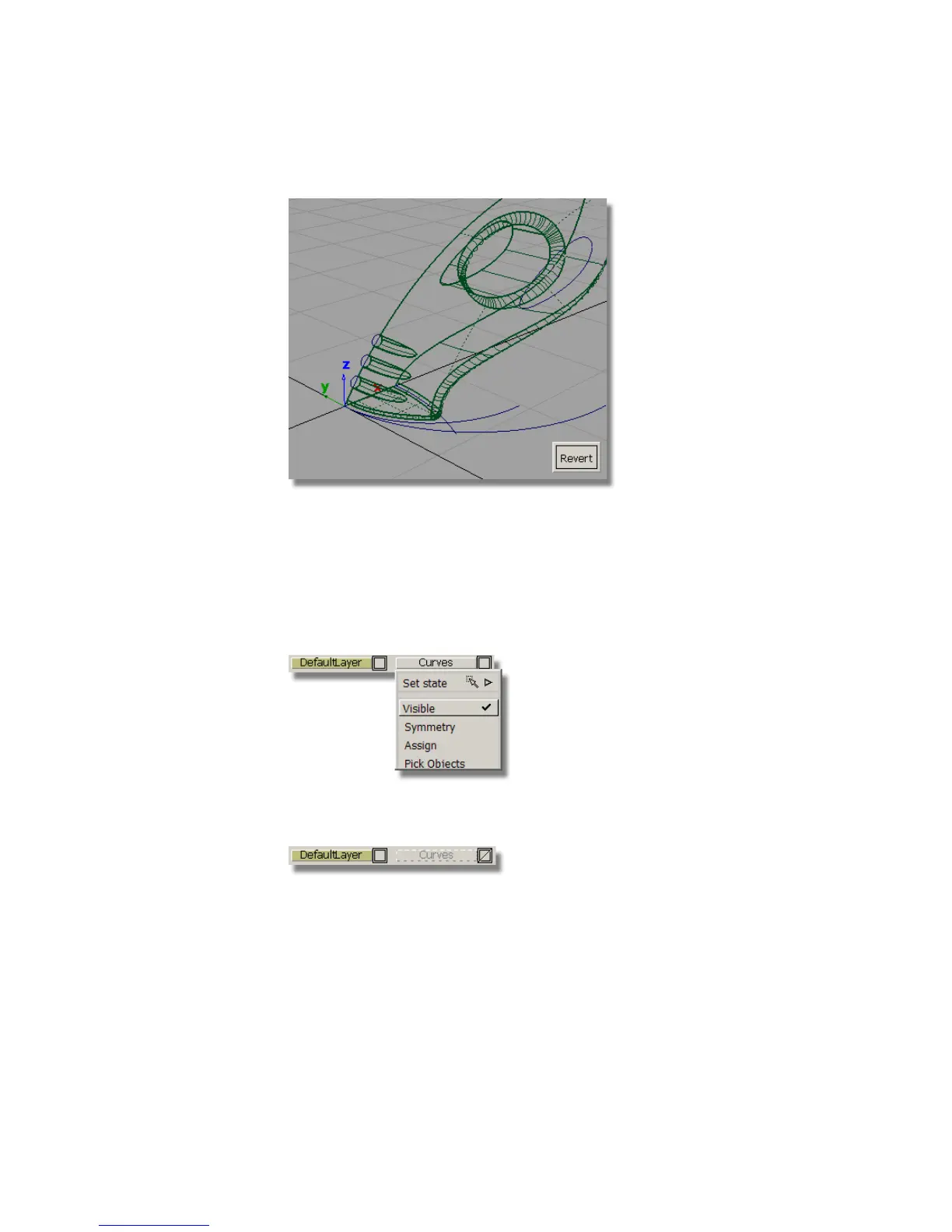
The upper surface is trimmed.
12 Choose Pick > Nothing to complete the trimming operation.
Now that you have created all the main surfaces, you will make the curves
layer invisible, so the surfaces can be viewed more clearly.
13 On the Layer Bar, click and hold on the curves layer to view the
pull-down menu. Select Visible to turn off the visibility of the layer.
In the Layer Bar, the curves layer is displayed with a dotted outline to
indicate it is turned off.
The curves are no longer displayed on the screen.
14 Use diagnostic shading to evaluate the results.
346 | Chapter 6 Modeling a Vacuum Cleaner



 To Next Page