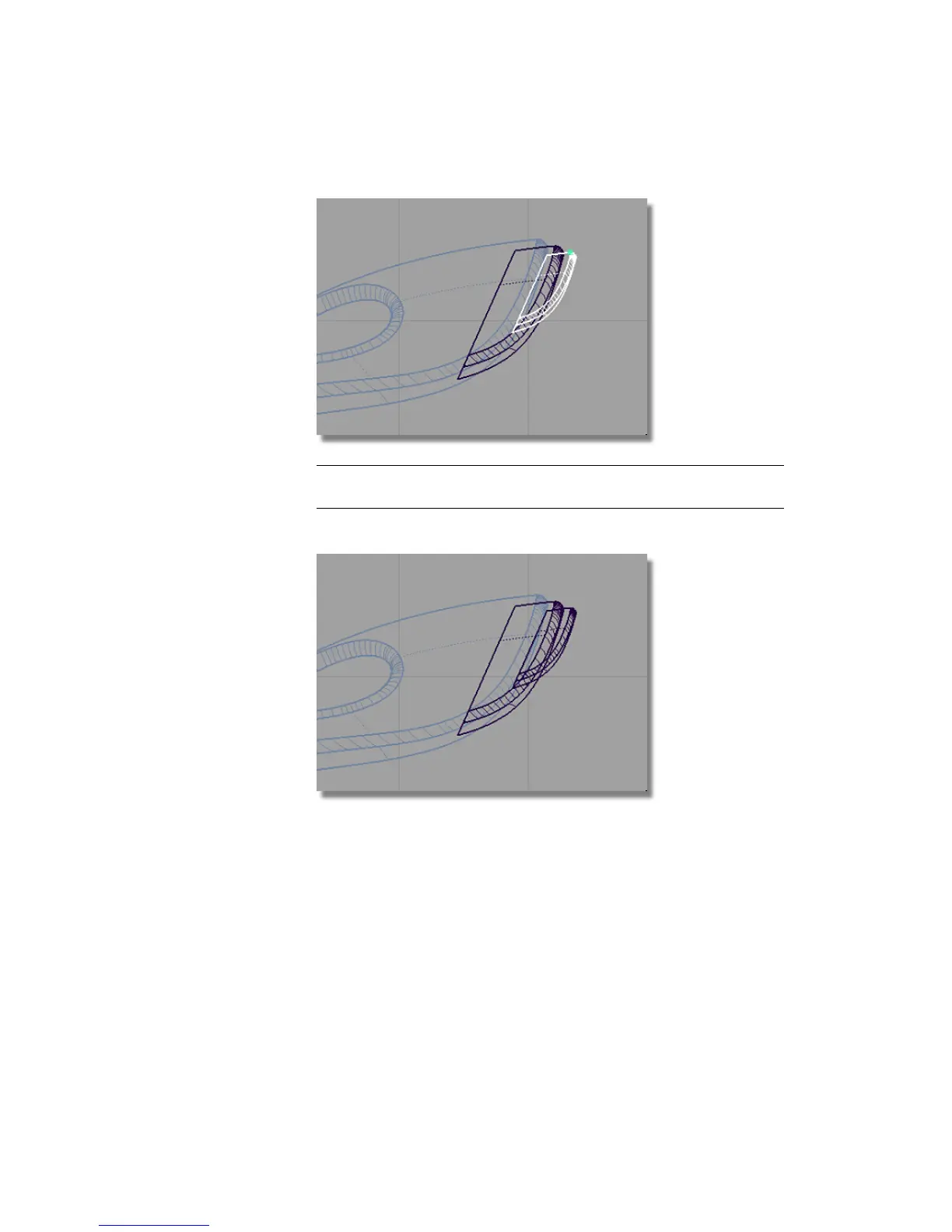
NOTE You can move the surfaces freely using the mouse buttons if you want
to adjust the design.
4 Choose Pick > Nothing to deselect the surfaces.
5 On the Layer Bar, click and hold on the body layer to see the pull-down
menu. Choose Set state > Pickable to view the main body. Do the
same for the power_button layer.
Part 7: Dust Bag and Cable Connector | 383



 To Next Page