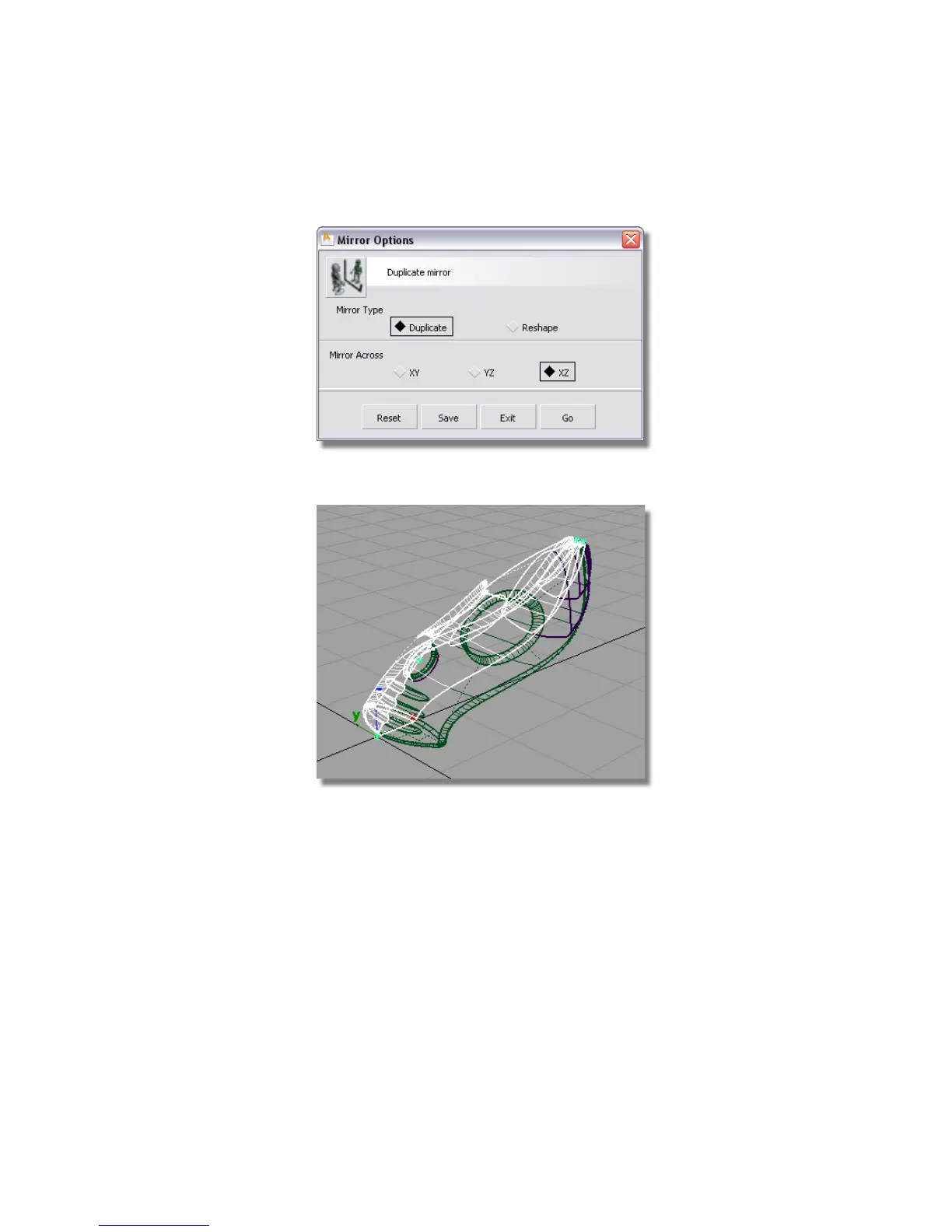
3 Choose Edit > Duplicate > Mirror ❒ to open the mirror tool option box.
4 Choose XZ as the Mirror Across plane, and click Go.
The vacuum cleaner surfaces are mirrored, and the whole design can now
be viewed.
5 Choose Pick > Nothing to deselect the mirrored surfaces.
Part 8: Completing the Model | 387



 To Next Page