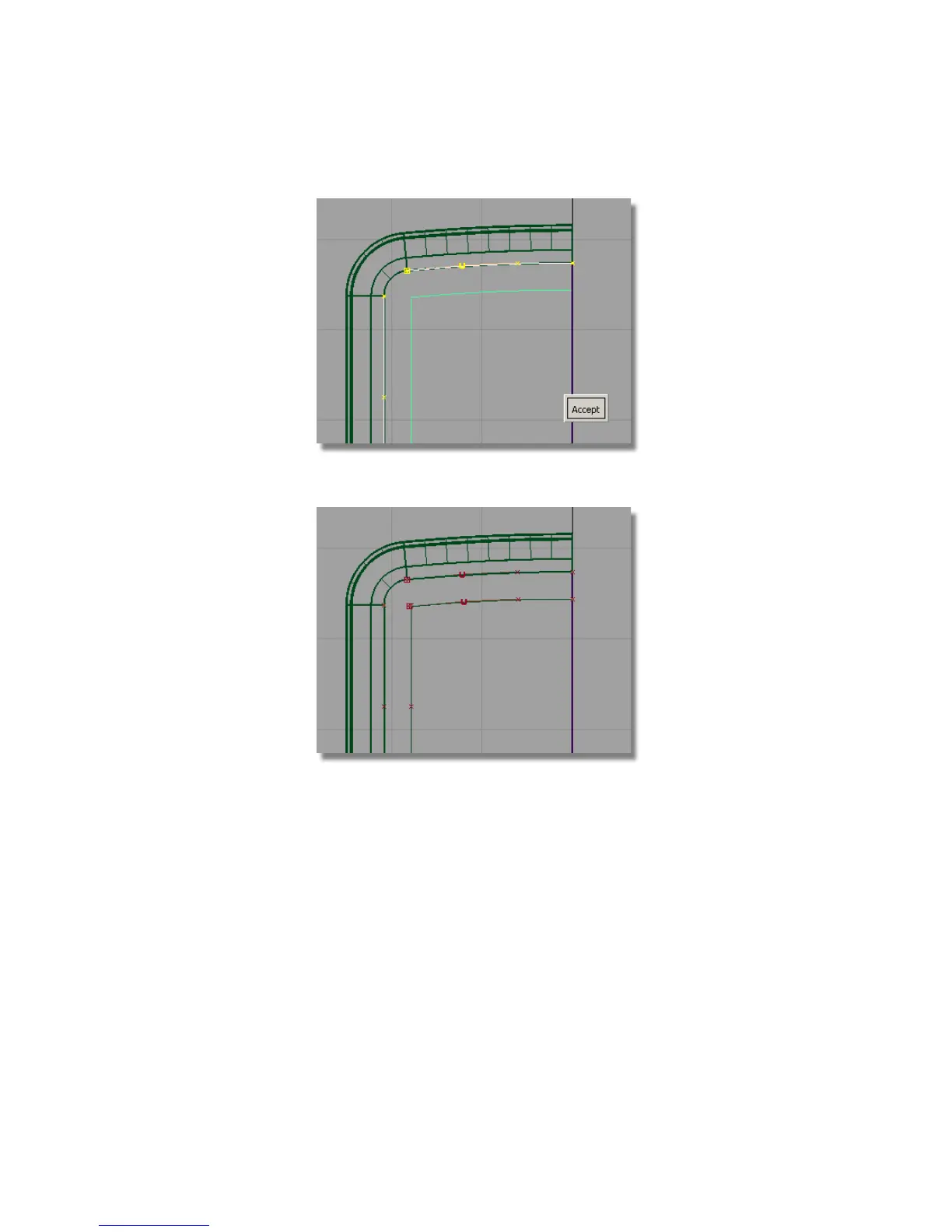
8 Click Accept to create the offset curve.
Now you will duplicate and mirror the top curve to create the lower curve.
This time you will use a different technique for mirroring. The Edit >
Duplicate > Mirror tool always mirrors across a grid axis. You will use
the Edit > Duplicate > Object tool to mirror across an object’s pivot
point.
So first, set the pivot for the curve.
9 Choose Pick > Object and select the upper curve.
Part 4: Creating the Screen Recess | 447



 To Next Page