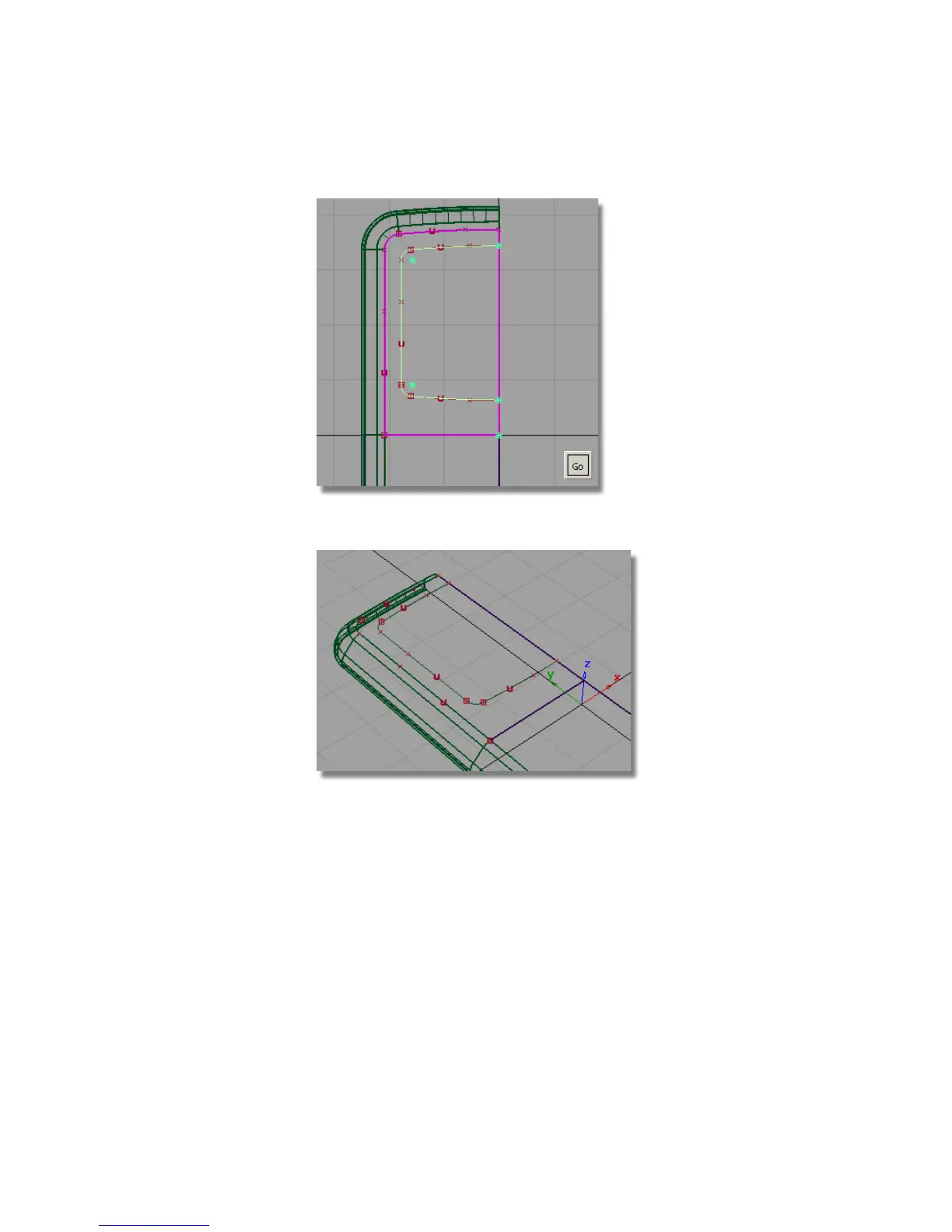
5 Maximize the Perspective window.
You will now template the curves, so that you can see the
curves-on-surface more easily.
6 Choose Pick > Component and choose the curves-only option.
7 Drag a pick box over all the curves to select them.
Part 4: Creating the Screen Recess | 453



 To Next Page