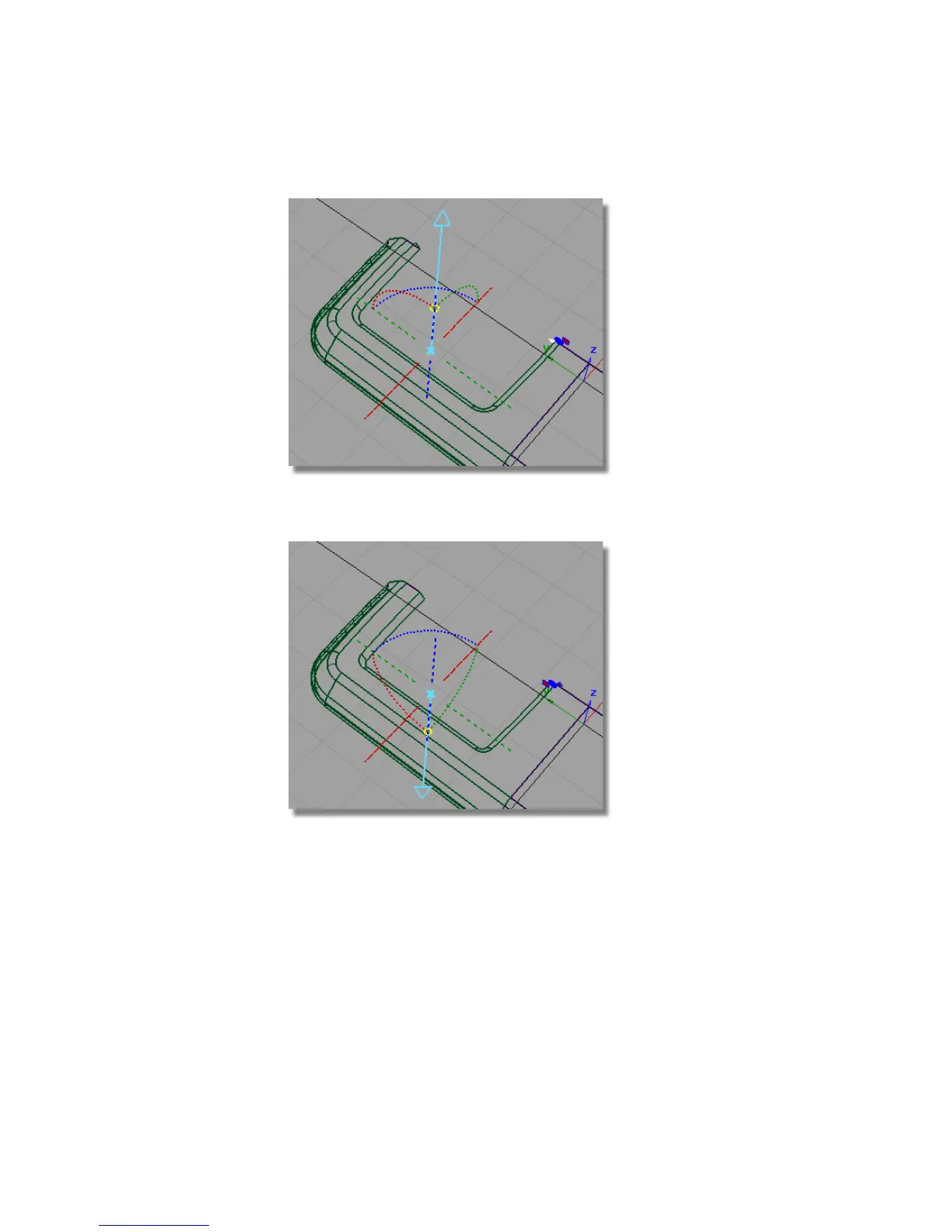
If the surfaces are built in the wrong direction, click the blue dotted line
to switch the pull direction of the Draft surface.
To finish off the screen, create a planar surface for the face of the screen.
4 Choose Curves > Keypoint Curve Toolbox, then Keypoint Curve Tools >
Lines > Line and use the curve snap (Ctrl and Alt (Windows) or Control
and Command (Mac)) to create a curve for the center-line of the screen
face.
458 | Chapter 7 Modeling an MP3 Player



 To Next Page