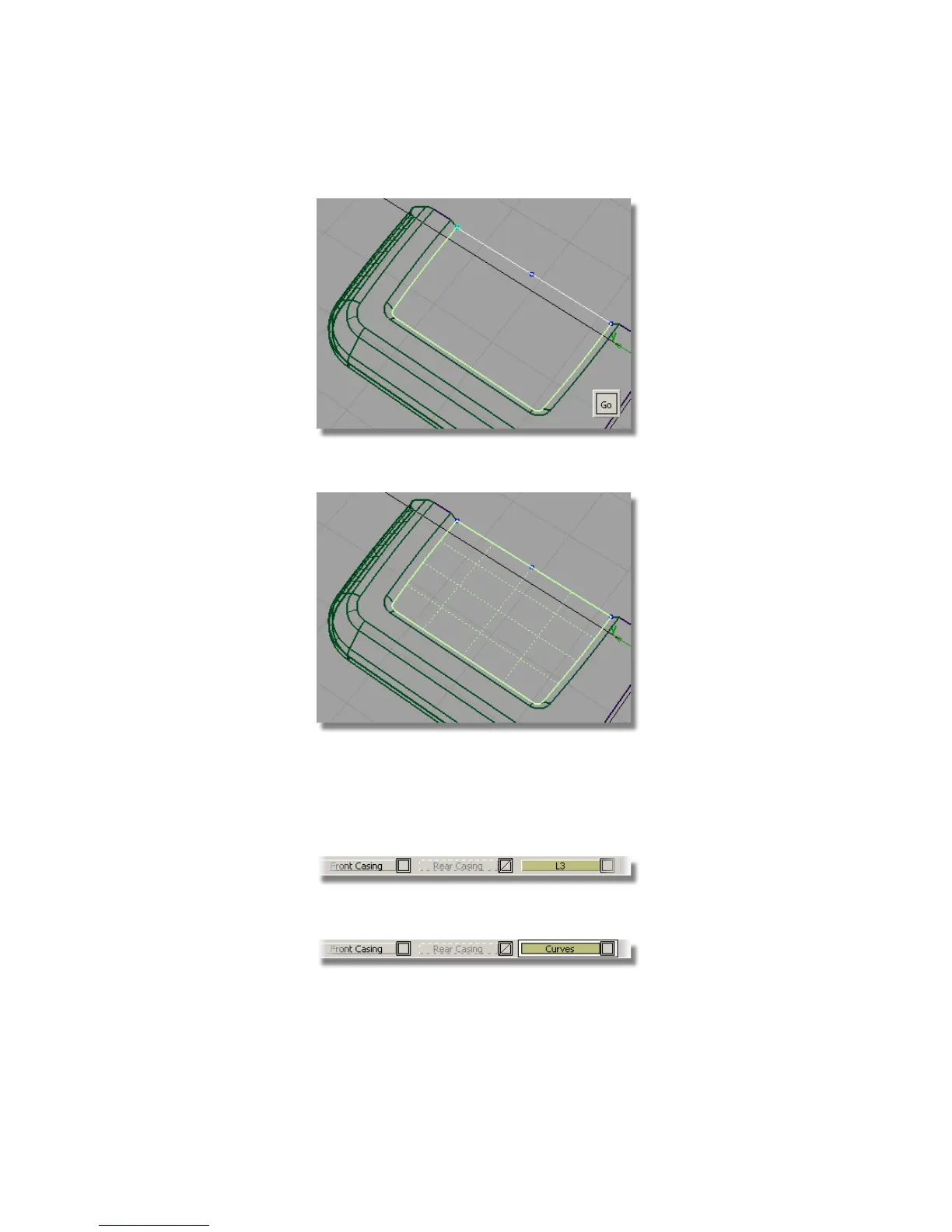
6 Click Go to create the planar surface.
7 Assign all the surfaces to the Front Casing layer.
You now have lots of curves, so it’s a good idea to organize them onto a
separate layer.
8 Choose Layers > New to create a layer.
9 Change the layer name to Curves.
Part 4: Creating the Screen Recess | 461



 To Next Page