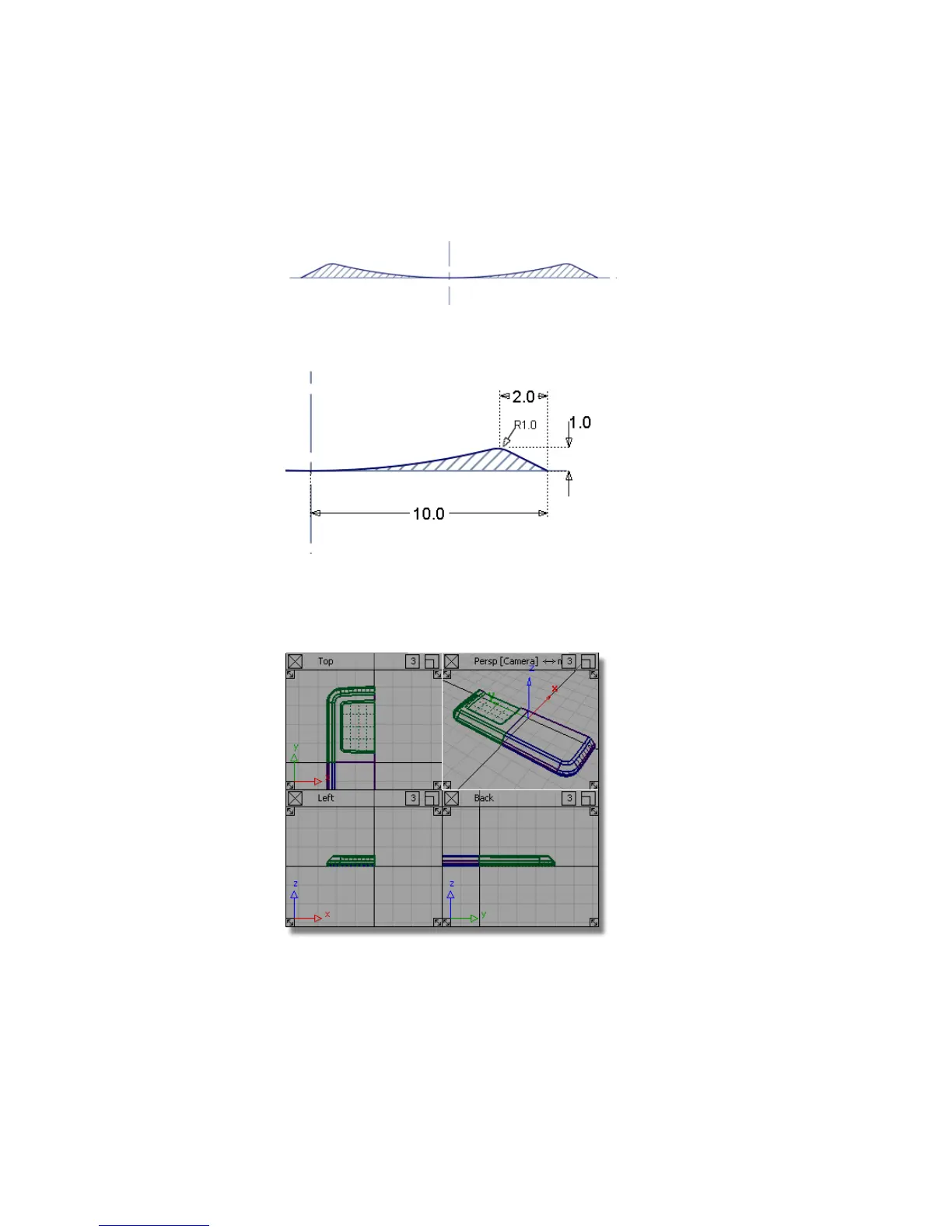
A cross-section of the Navigation Key is shown below. Only the part of the
key that will be seen above the casing will be built.
The dimensions for the Navigation Key profile are shown below. This will be
revolved to create the button surfaces.
Opening the tutorial file (optional)
If you successfully completed Part 4, proceed to the next step: Navigation Key
Curves below.
Part 5: Center Navigation Key | 463



 To Next Page