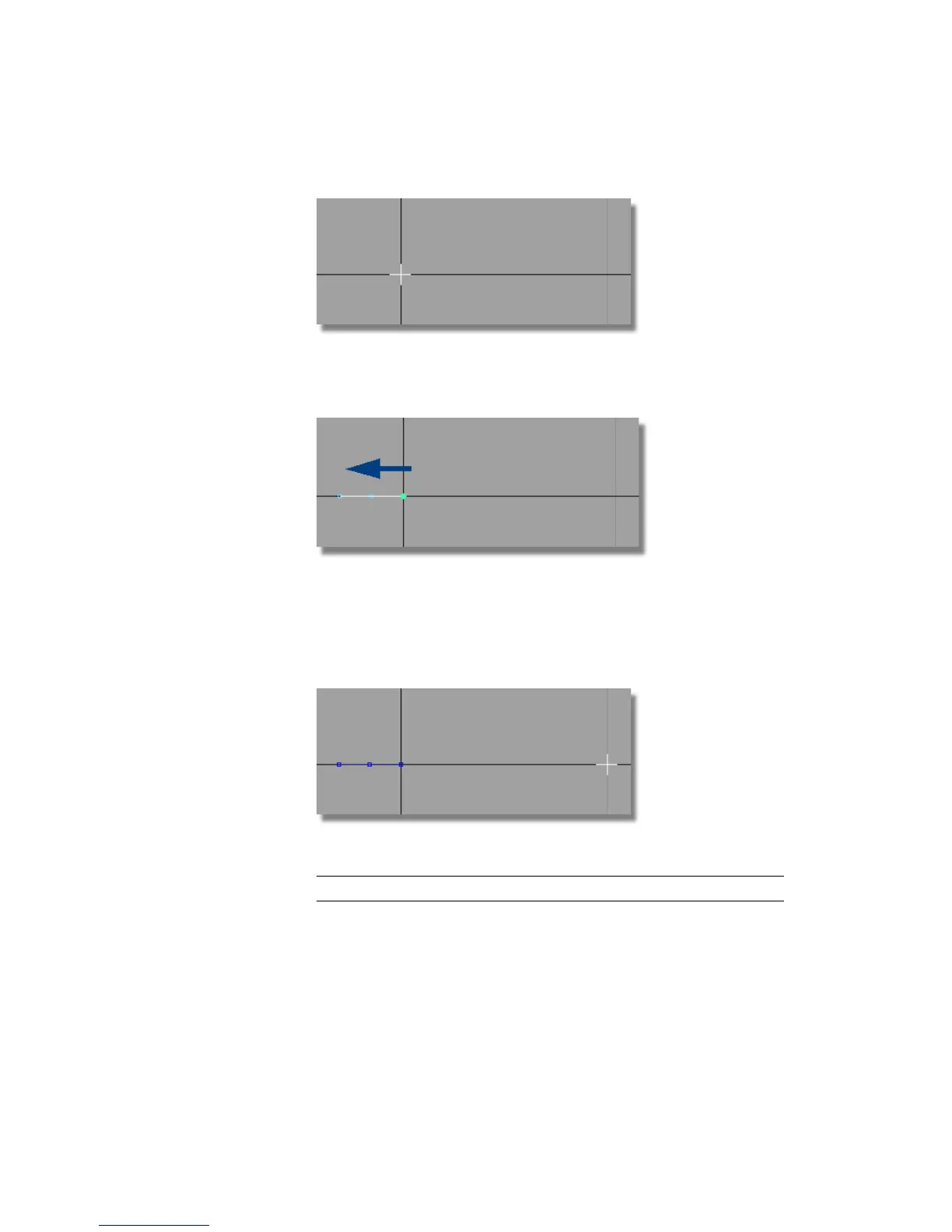
Use the middle mouse button to place the second point of the line
horizontally to the left of the origin. The length of the line isn’t
important, as it will only be used to help create a tangent arc.
Now you will draw the line for the outer chamfered edge.
4 Choose Curves > Keypoint Curve Toolbox , then Keypoint Curve Tools
> Lines > Line again. When prompted to enter the start point of the line,
use Grid Snap (Alt (Windows) or Command (Mac) key) to place the start
of the line at the grid point at 10 mm in the X direction.
When prompted to place the end point of the line, type in R-2,0,1.
TIP The letter R is used to switch from ABSolute to RELative dimensioning.
Part 5: Center Navigation Key | 465



 To Next Page