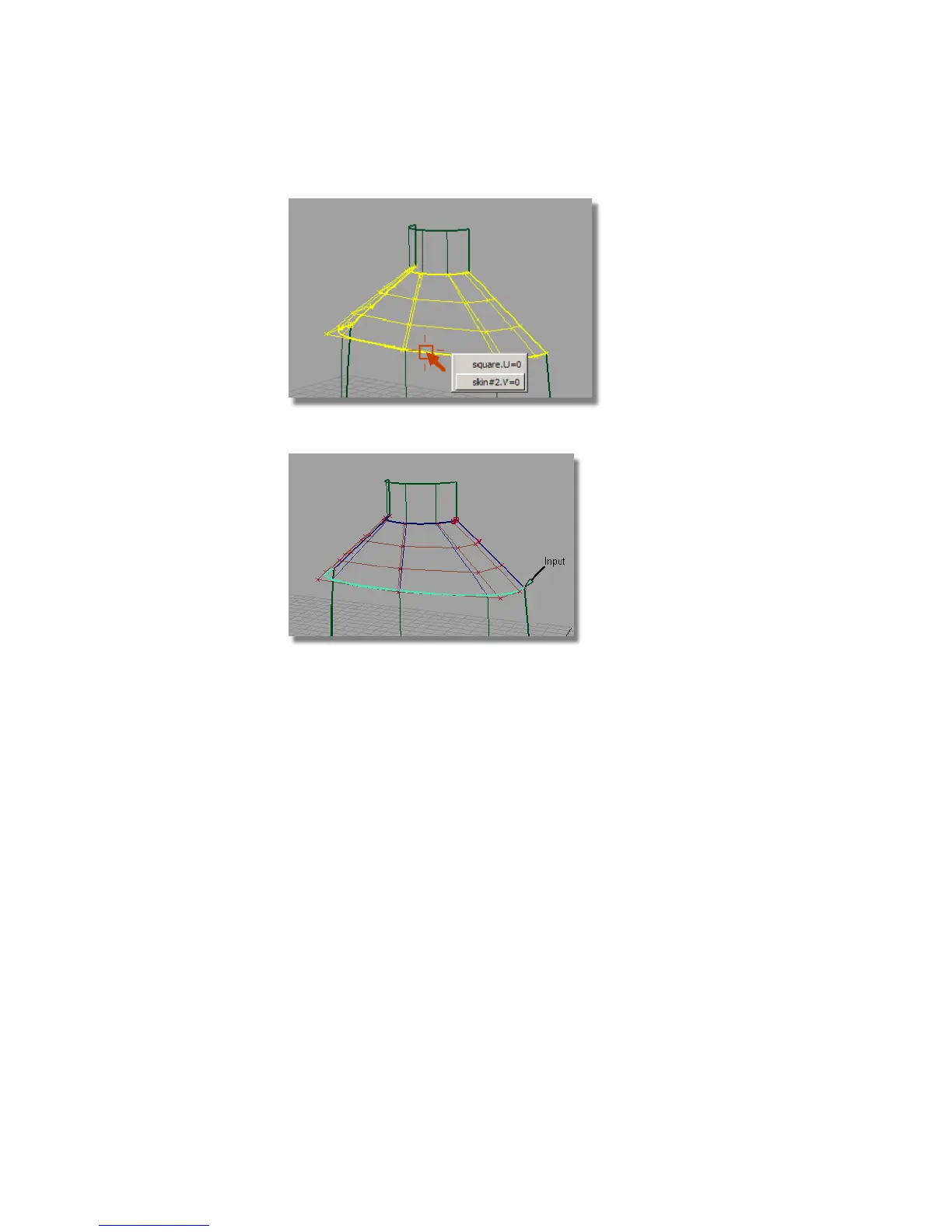
The selected edge is highlighted and labeled as “Input”.
You are prompted to select the object to align to (the master).
5 Click on the boundary between the two surfaces again to select the edge
of the body.
The top edge of the body surface is automatically selected.
The CVs of the shoulder surface are modified to align the shoulder to the
bottle surface with tangent continuity, as indicated by the T on the green
indicator.
528 | Chapter 8 Modeling a Sports Shower Gel Bottle



 To Next Page