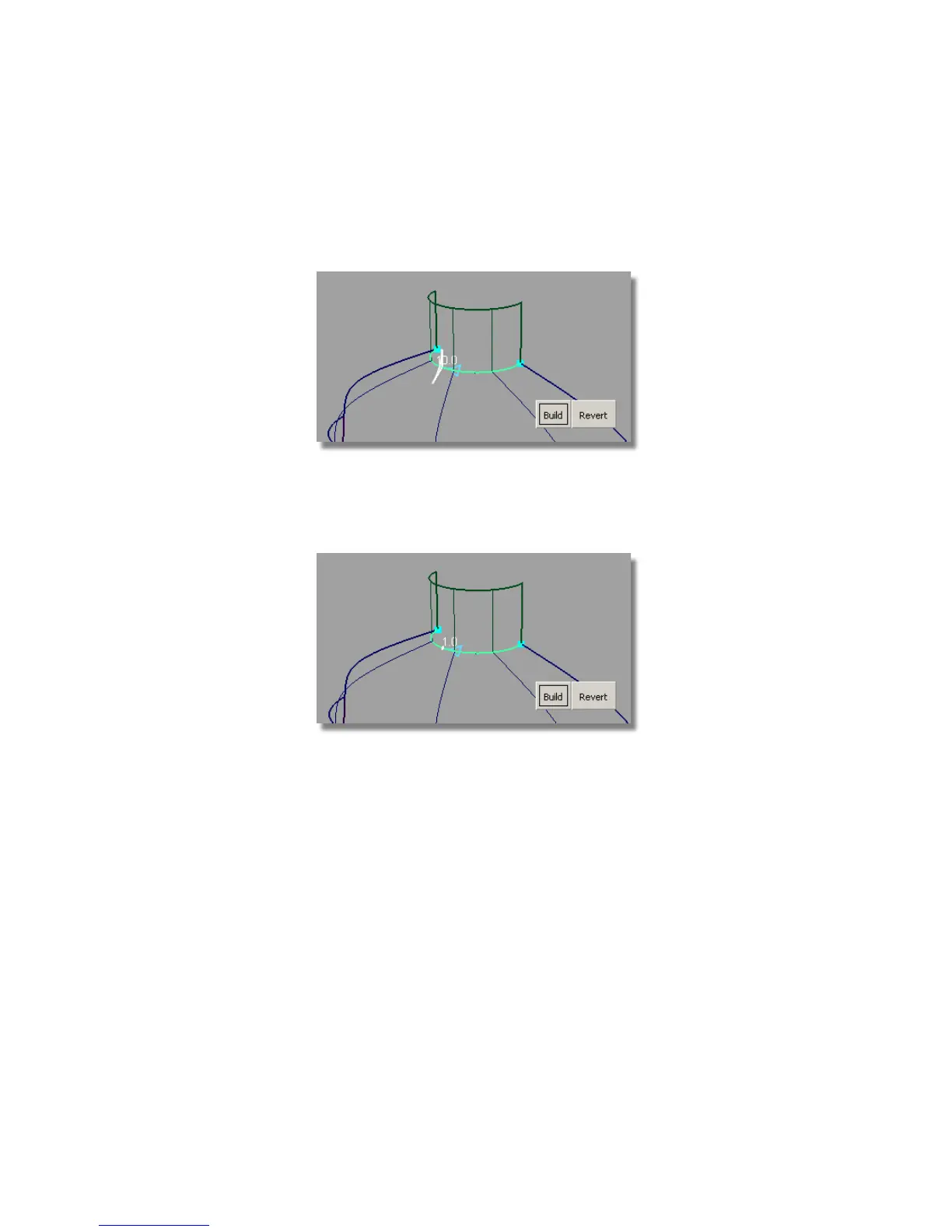
2 Zoom in to the neck area.
3 Choose the Surfaces > Round tool. Click the edge between the neck and
the shoulder surfaces.
4 The default radius value is shown, and highlighted in white.
5 Type in a new radius value of 1. Then, press Enter (Windows) or Return
(Mac).
6 Click the Build button. A round fillet is created.
7 Choose Pick > Nothing to remove the round indicators.
Part 4: Adding Blend Details | 565



 To Next Page