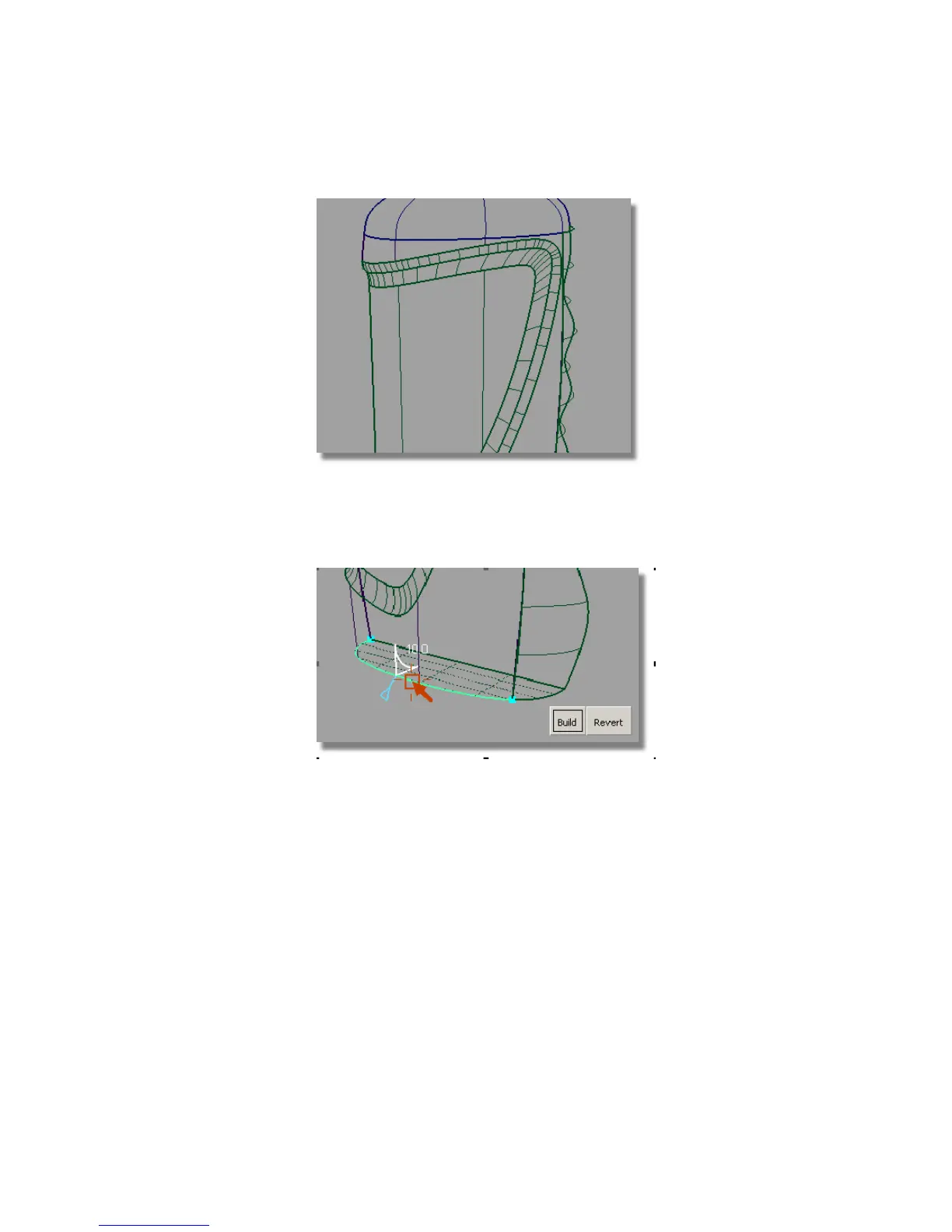
11 Adjust the view to look at the base of the bottle.
12 Use the Surfaces > Round tool again to create a fillet.
As there are two edges at the base, click first on main bottle surface edge.
Type in a Radius value of 10. Then, click the edge created by the finger
grip surface and the base. The round surface will then be built along both
edges.
Part 4: Adding Blend Details | 567



 To Next Page