For example, if your printer is using 85 lines per inch (say, for a newspaper),
your image should be rendered at a maximum resolution of 85 x 2, or 170
pixels per inch. If your printer is using 150 lines per inch, your image should
be rendered at a maximum resolution of 150 x 2, or 300 pixels per inch. Any
resolution greater than twice the lines per inch will not likely improve the
image — it will just take longer to render, and may cause some fine detail to
drop out.
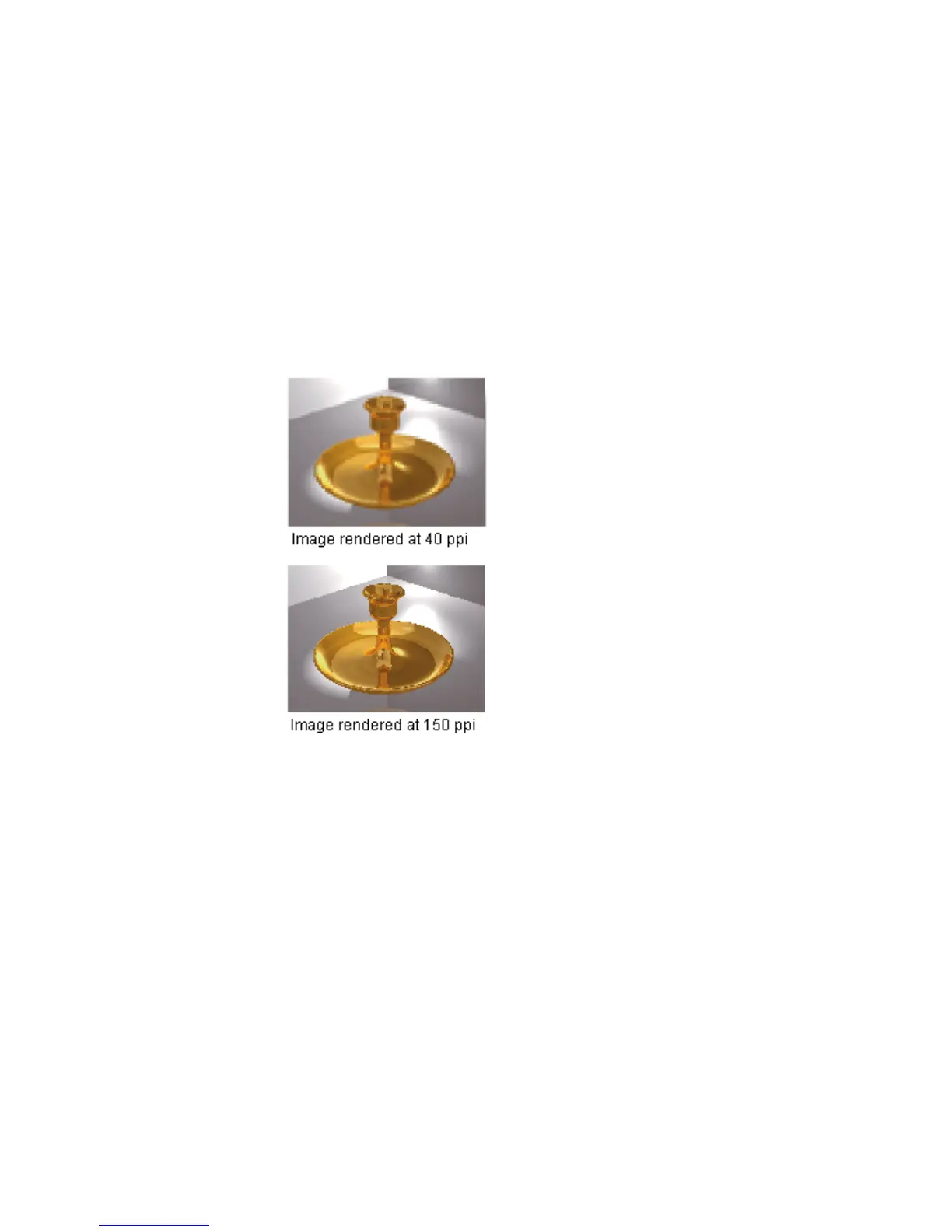
These next two images show the same file — but, at different resolutions. The
first image is 40 ppi, and the second is 150 ppi.
Resolution is used to determine how big an image will display or print on an
output device. Your monitor is an output device, as is your printer. Your
monitor is typically capable of 95 dpi (dots per inch). Therefore, if you want
to see a 4" x 5" image on your monitor, you need (95 dpi x 4") pixels and (95
dpi x 5") pixels, or 380 x 475 pixels. If you wanted to print the same image at
the same size on a 300-dpi printer (which usually has 57 lines per inch), you
would need (57 lpi x 2) x 4" pixels and (57 lpi x 2) x 5" pixels or 456 x 570
pixels. As you can see, the higher the image resolution, the more pixels you
are going to need to see the same size of image.
Overview | 613



 To Next Page