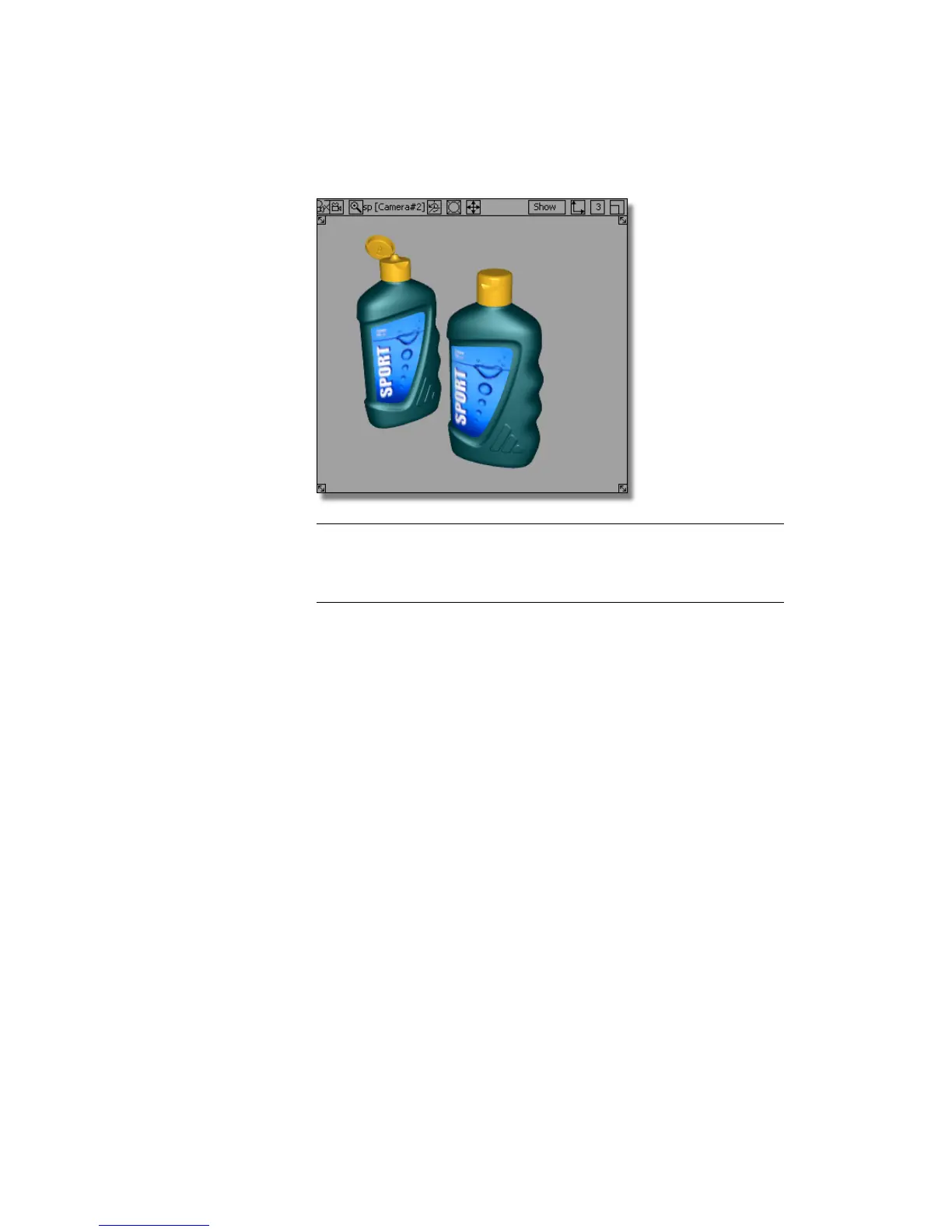
TIP To see how the label graphic is applied to the shader choose Render >
Multi-lister > Shaders. The Multi-lister is an alternative to the Visualize Panel
for working with shaders. (You will use it in the next section to work with
lights.)
In the Multi-lister, you can see the label graphic is shown as a File
Texture attached to the Label shader. If you want to delete the label
graphic, you can select it in the Multi-lister and use Delete > Active on
the Multi-lister menus.
Part 2: Adding a Label | 655



 To Next Page