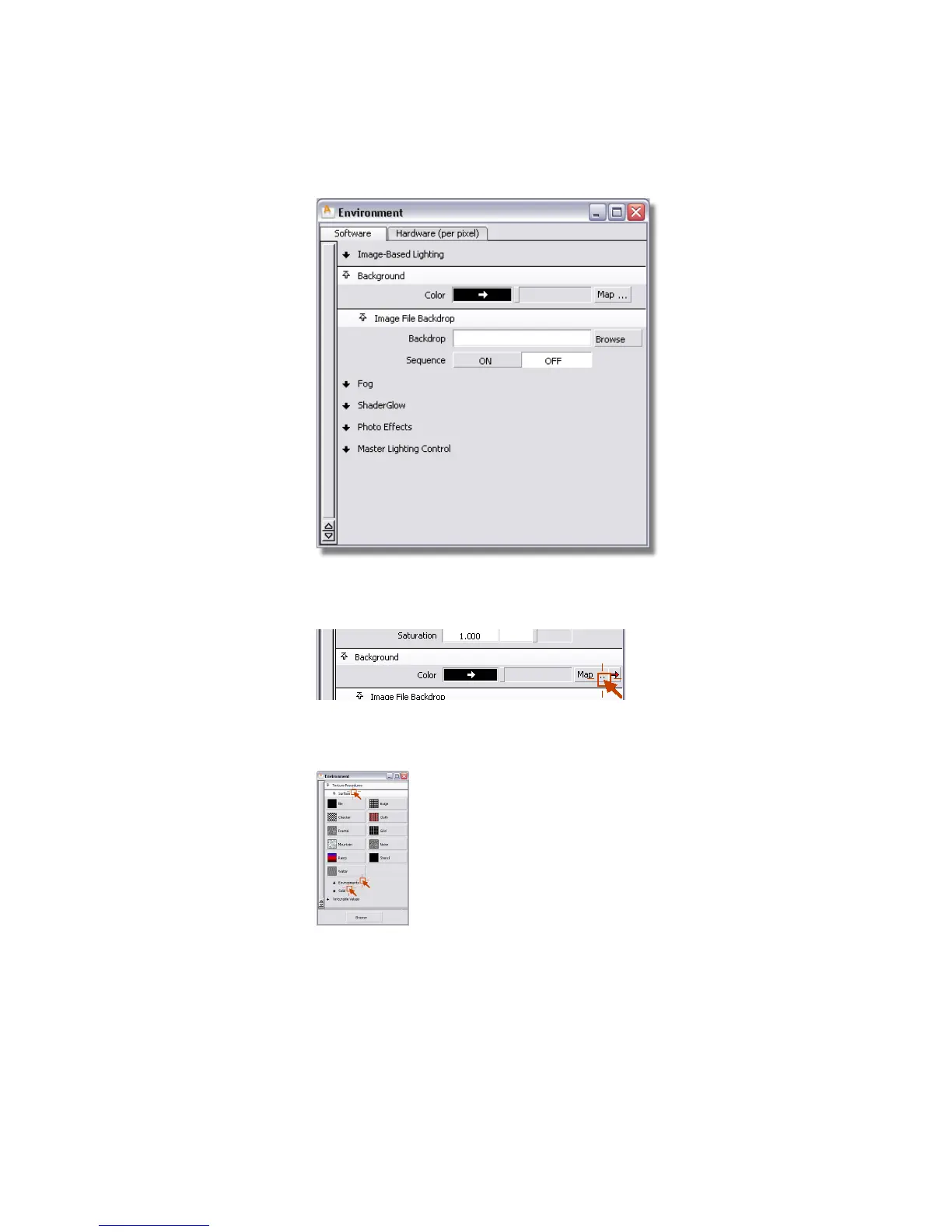
3 In the Background section, click the Map button next to the Color
field to open the Texture Procedures window.
There are three types of textures: Surface, Environments, and Solid.
4 Click the three texture tabs to open them.
The Surface section contains 2D textures.
Part 2: Creating a background environment | 693



 To Next Page