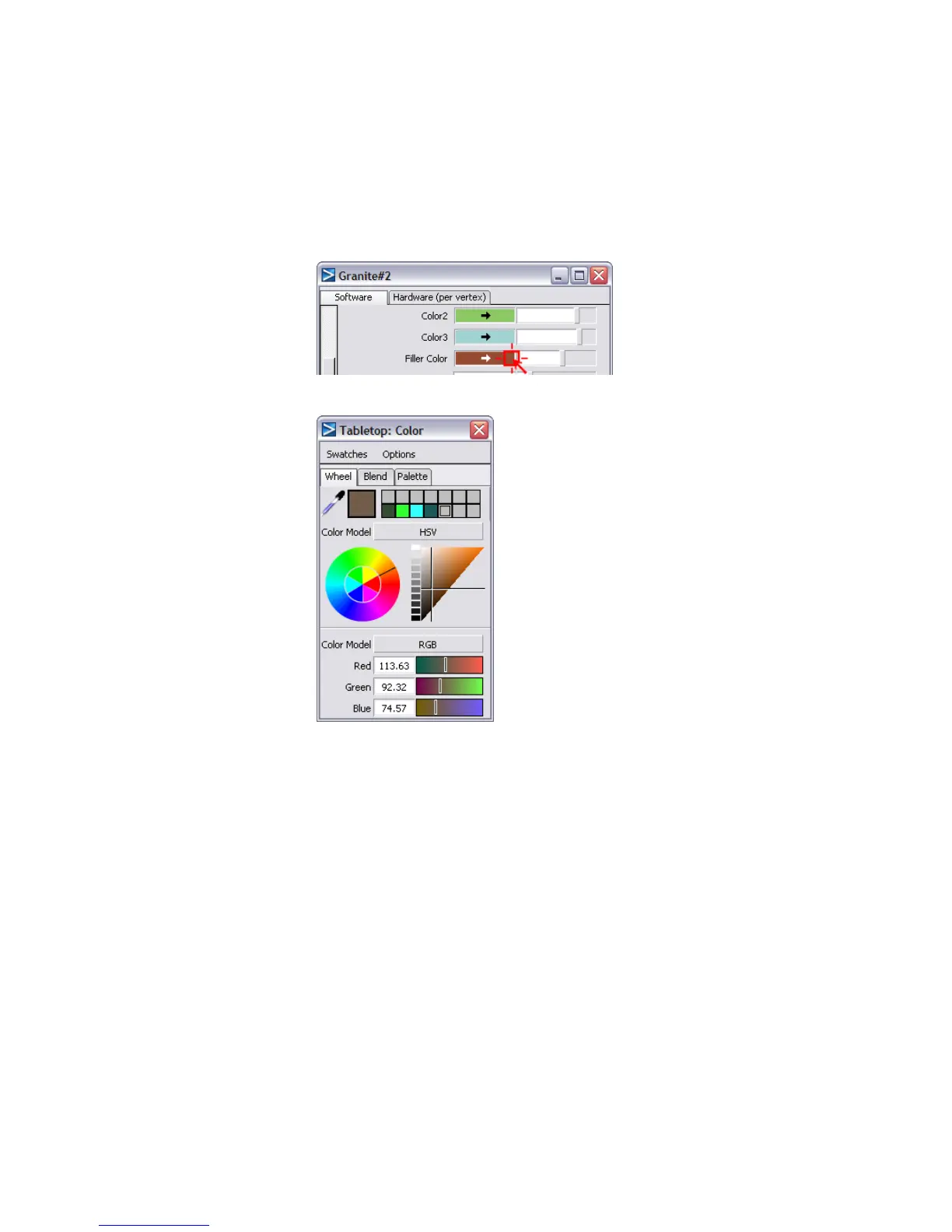
6 Within the Granite Texture Parameters, there are four variables that
control the color of the granite. Click the color swatch next to the Filler
Color parameter.
The Color Editor opens.
7 Select a teal color, or set the red value to 51, green to 255, and blue to
255. Drag the cross hair cursor on the color triangle toward the bottom
apex, which will darken the color.
Part 3: Creating a 3D solid texture | 705



 To Next Page