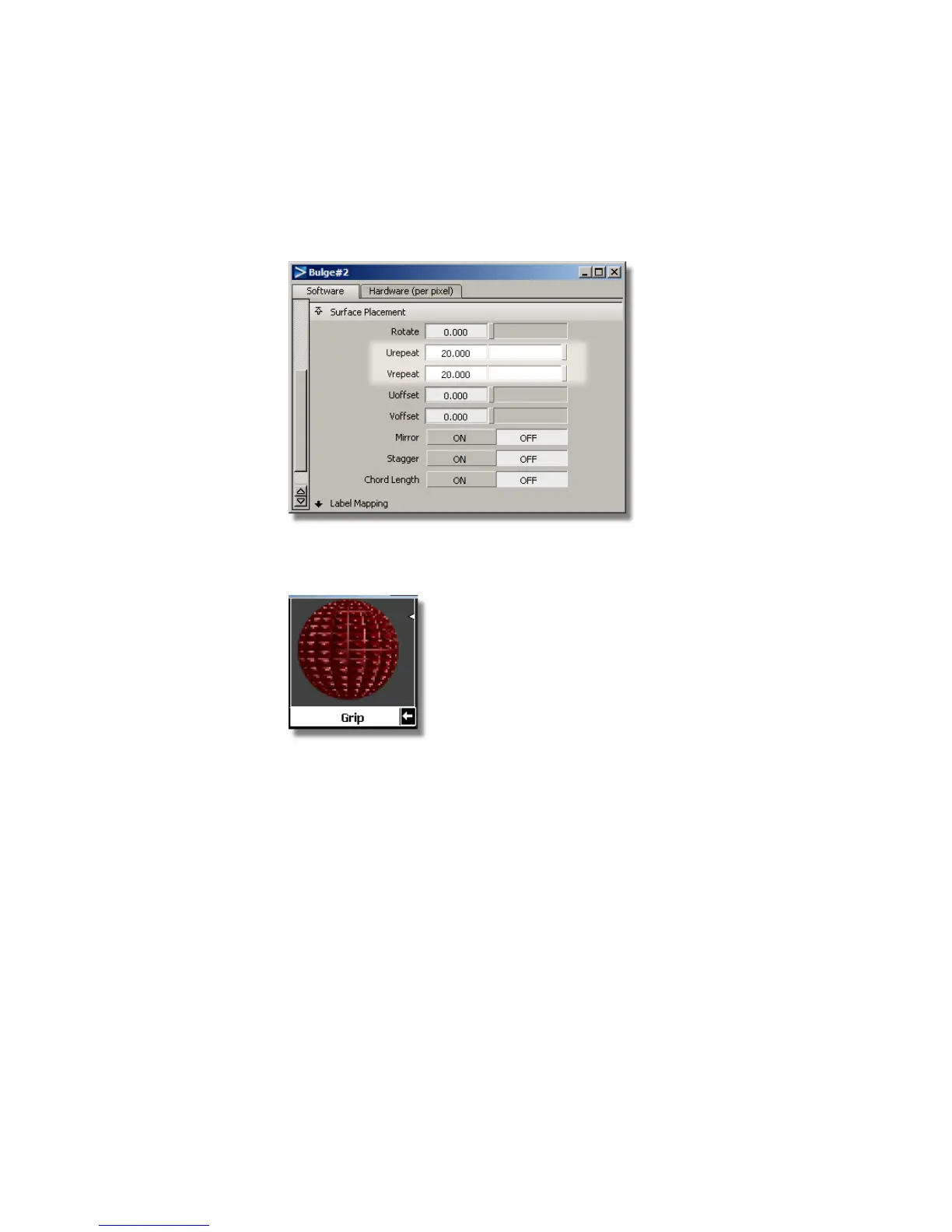
5 Click the Urepeat field and type 20, then press Enter (Windows) or Return
(Mac). Click the Vrepeat field and type 20, then press Enter (Windows)
or Return (Mac).
6 Look at the Grip swatch in the Multi-lister. The bulge texture is
apparent.
7 Close the control window and the Multi-lister.
Rendering the scene
Now, you will render the scene to see the bumpy grip texture.
1 Select the Render command (Render > Render).
The File Browser opens to the pix directory of the Lessons project.
2 Type render5 in the Object name field (Windows) or Save As field
(Mac), then click the Save button.
718 | Chapter 11 More rendering



 To Next Page