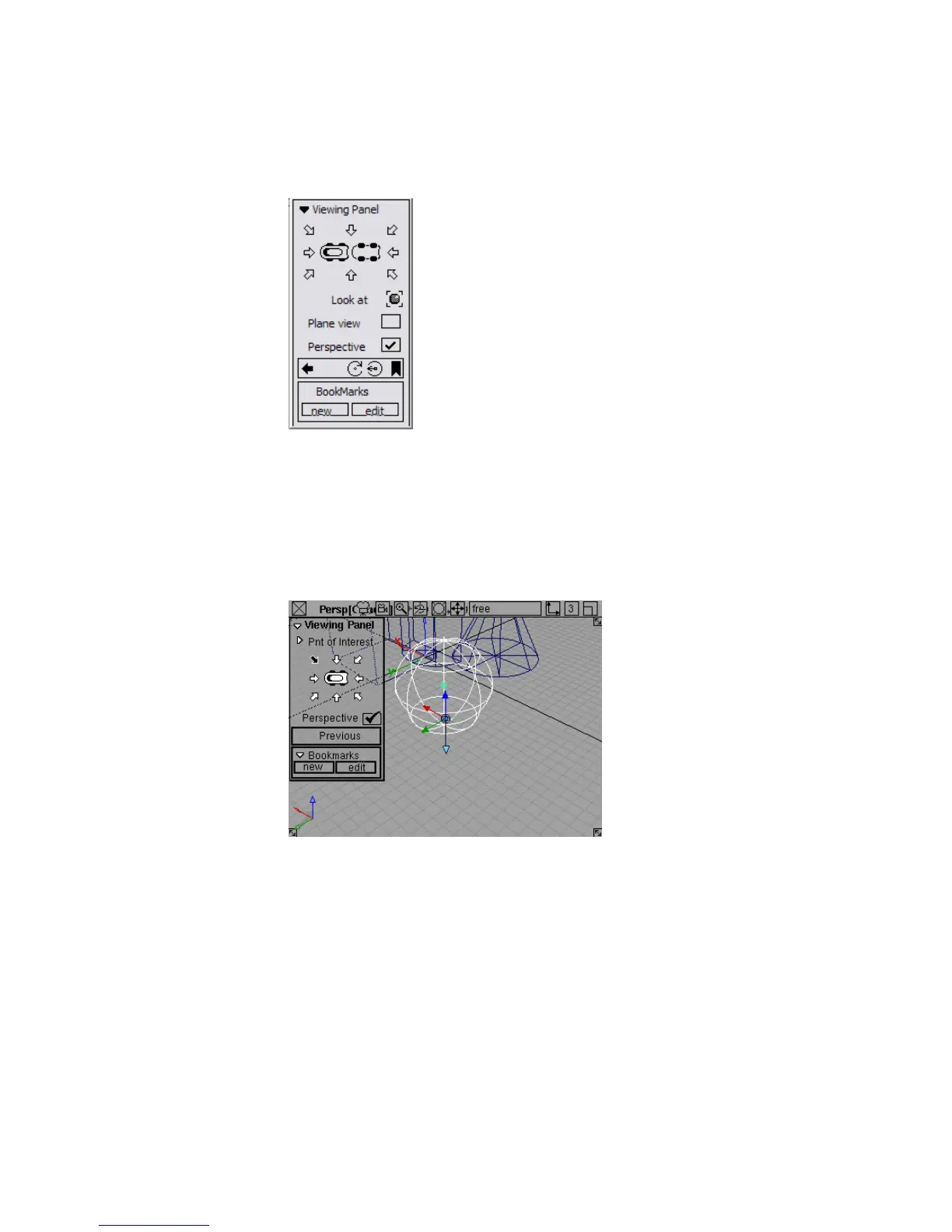
The Viewing Panel appears in the upper left corner of the Perspective
window.
The images at the center of the panel (small icons of the top and bottom
of a car) represent the model.
4 Click an arrow to view the model from one of eight different directions.
The horizontal and vertical arrows represent front, side, and back views.
The diagonal arrows represent three-quarter views.
5 Click the left car icon to see a top view, or the right car icon to see a
bottom view.
68 | Chapter 3 Interface Basics



 To Next Page