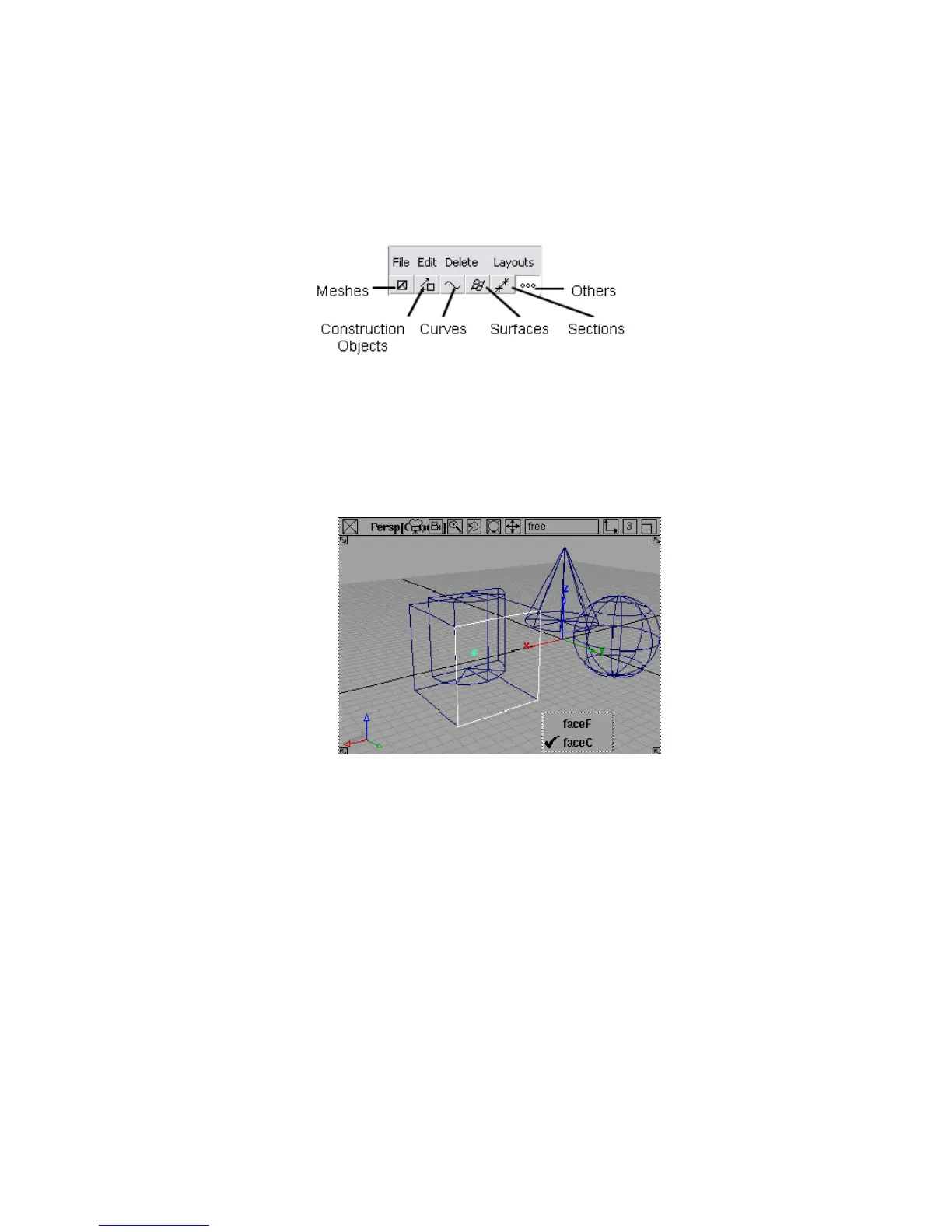
6 Find the component filter buttons to the left of the promptline. These
buttons appear when the Pick > Component tool is active.
7 Make sure the Surfaces button is pushed in.
8 Click the cube.
■ Since you must click an edge, which is shared by two sides, a small
box appears under the mouse pointer with the name of both sides.
Click the name you want.
■ The Pick > Component tool only picks one side of the cube.
In the Object Lister window, you can see that instead of picking
the entire group, the Pick > Component tool picked one of the
subnodes
9 Instead of choosing Pick > Component and having difficulties selecting
a surface that can be attached to or overlaid by another surface, you can
click the subobject directly in the Object Lister.
The Object Lister window | 79



 To Next Page