Startup
102
Instructions for use Zeus Infinity Empowered SW 2.n
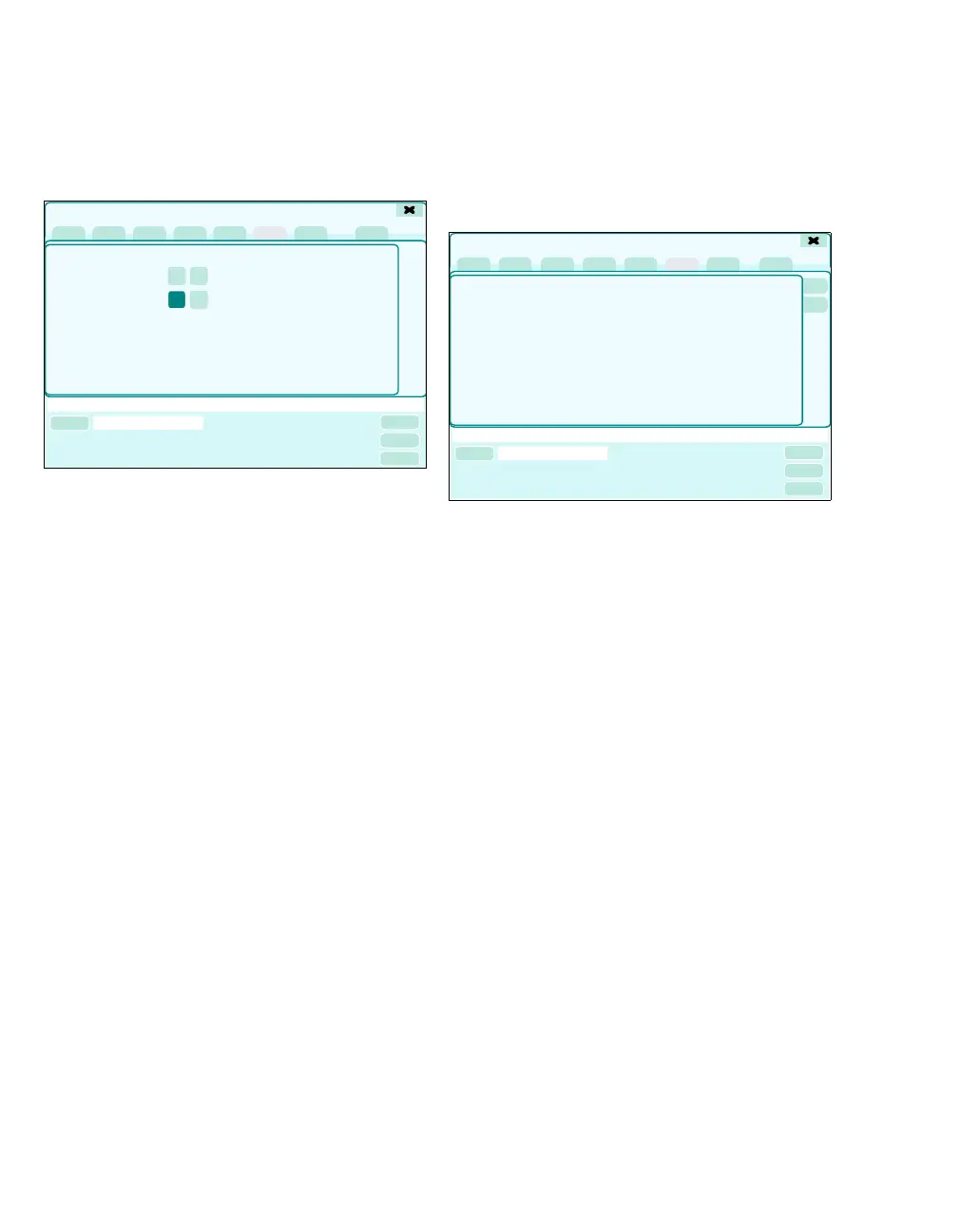
Automatic self test
z Touch the Auto self test tab (A).
The automatic self test is set as standard in the
general basic settings, see page 336.
The default values can be changed for the next test:
– Time-controlled self test starts at (B)
– Time-controlled self test (C) On/Off
The new values apply to the next automatic self
test. After the next automatic self test is completed,
the values are reset to the default values.
Factory setting: Off
When activating On, the following messages ap-
pear:
– Auto self test is enabled. Conduct Pretest.
Check start time.
When activating Off, the following message ap-
pears:
– Auto self test is disabled.
Test history
Calling up the test history:
z Touch the Test history tab (A).
The results of previous tests are displayed with the
following information:
– Date and Time
– Test
– Name of tester
– Number of test loops
– Result
If a test did not detect any faults but is incomplete,
the result is indicated with canceled.
317
Time-controlled self test
starts at
Time-controlled self test
Test details
A
B
C
316
Test details
A











 To Next Page