Instructions for use Zeus Infinity Empowered SW 2.n 109
Operation
Startup dialog
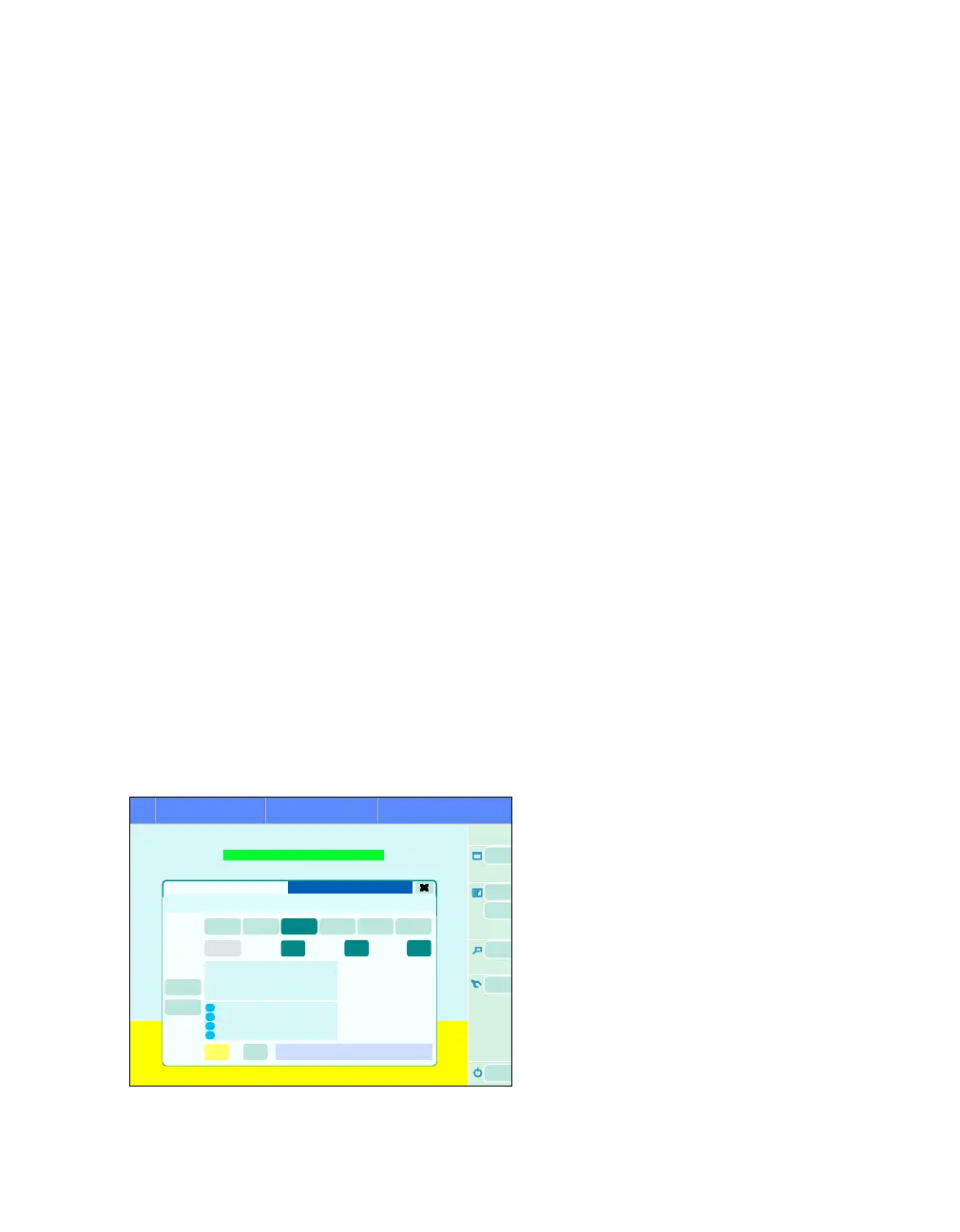
The Startup dialog dialog window on the
standby screen opens in the following cases:
– Automatically after the self test was successful
or canceled
– By touching the screen below the upper blue
bar and on the left next to the soft keys
– By touching the Start/Standby button (A).
– When applying 2 mechanical breaths using the
breathing bag
– When connecting an IV system to Zeus or a
connected IV system is started, i.e.:
– IV-Dock is connected to Zeus with a
switched-on pump.
– IV-Dock is already connected to Zeus, a
switched-on pump is mounted.
– IV-Dock is already connected to Zeus,
mounted pump is switched on.
Opening the Startup dialog dialog window on
the ventilator standby screen:
Prerequisite: The Vent. standby mode has been
selected during ongoing ventilation of a patient.
The Startup dialog dialog window appears if:
–ZeusIE detects two mandatory breaths applied
by manual breathing bag
The current profile is selected.
1. Select profile (Select profile)
The user can set the profiles displayed on the but-
tons (B) in the System setup dialog window,
see page 323. Only the buttons that have assigned
profiles are displayed. The five factory profiles are
preset. The default profile is preselected and has a
dark green background.
Selecting other profiles
1 Touch the More profiles button (K).
The profile selection list (profile setup
see page 323) appears. The current profile has a
dark green background.
2 Select and confirm the profile using the rotary
knob.
The selected profile is displayed on the button
(B).
3 Close selection list:
Touch the More profiles button (K).
312
Startup dialog
Standby
A
B
C
D
E
F
G
H
JI
K











 To Next Page