Instructions for use Zeus Infinity Empowered SW 2.n 335
Configuration
Configuring basic settings
Basic settings can only be configured from the sys-
tem standby screen.
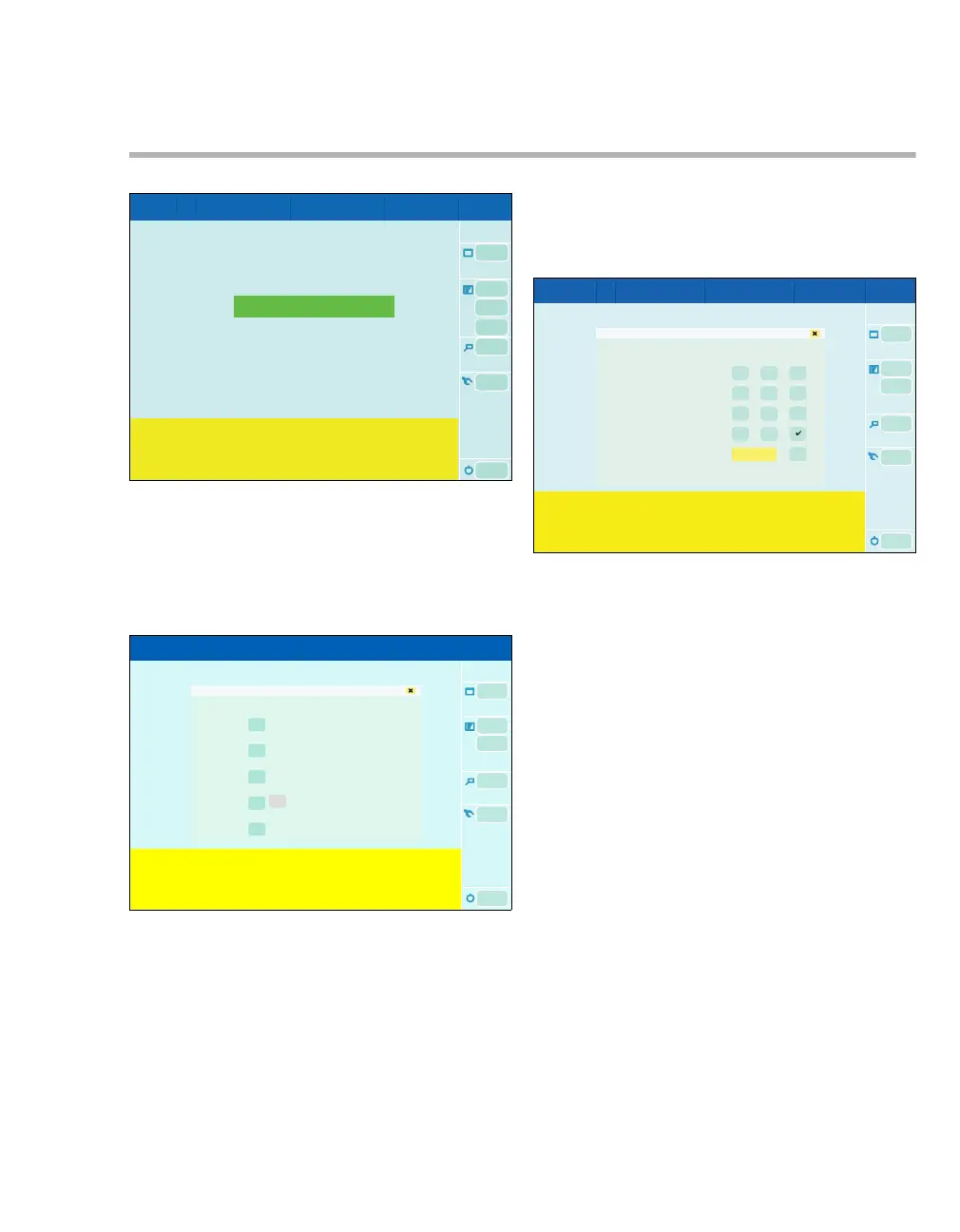
1 Touch the Biomed service button (A) in system
standby.
The Biomed service dialog window opens.
The following settings can be configured in the Bi-
omed service dialog window:
B Basic settings (access code required)
C Data simulation (access code required), only
visible on units with integrated patient monitor-
ing
D Service call
E Service access (access code required)
F Service mode (access code required)
2 Touch the On button under Basic settings (B).
The Access: Basic settings dialog window opens.
The 4-digit access code can be entered.
300303
A
B
C
D
E
F
Biomed service
304
Access: Basic settings











 To Next Page