Operation
118
Instructions for use Zeus Infinity Empowered SW 2.n
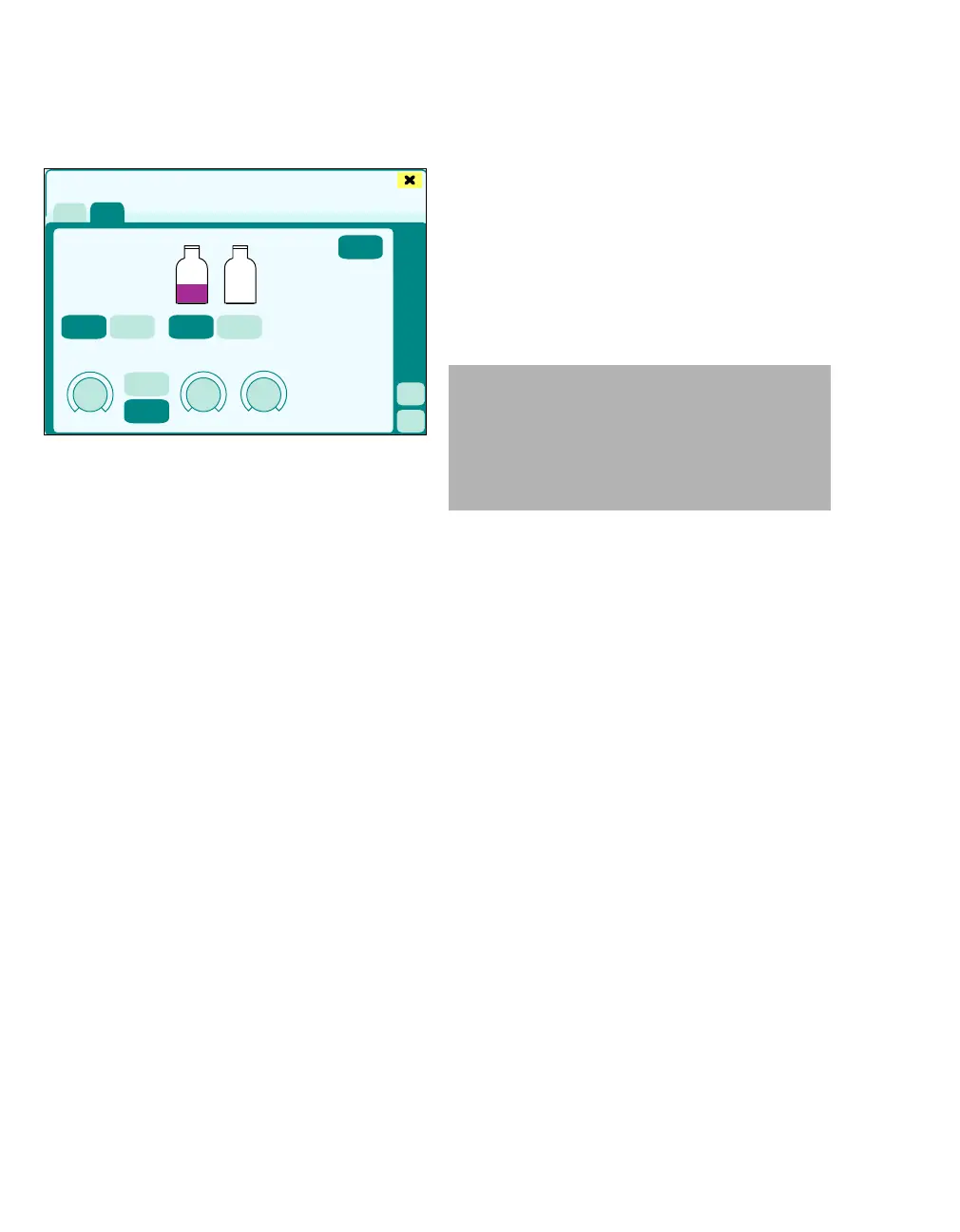
Control mode Auto control
Automatic concentration control
The expiratory anesthetic agent content and
inspiratory oxygen content of the breathing gas are
measured, compared with the set nominal values,
and readjusted. For a detailed description see
chapter "Descriptions", see page 441.
In Auto control mode, the level of fresh-gas flow is
selected automatically. Fresh-gas flow is limited
downwards by minimum flow.
Activating Auto control mode:
1 Touch the Auto control (A) tab and confirm
with rotary knob.
Selecting the carrier gas:
2 Touch the O
2+Air or the O2+N2O button (B).
3 The color of the button turns yellow. Confirm
with rotary knob.
Selecting the anesthetic agent:
4 Touch the ISO, SEV or DES button (C). The an-
esthetic agents displayed correspond to the
connected DIVA metering modules.
5 The color of the button turns yellow. Confirm
with rotary knob.
Other parameters:
– FiO
2 (D) (target value inspiratory O2 concentra-
tion)
– Flush flow (E) (Flush flow)
– MinFG flow (F) (Minimum fresh-gas flow)
– etSEV, etISO, etDES (G) (target value expira-
tory anesthetic gas concentration)
– inSEVmax, inISOmax, inDESmax (H) (limit
value maximum inspiratory anesthetic agent
concentration)
z Touch button (I). The Ventilation settings dia-
log window appears
z Touch button (J). The Alarms dialog window
appears
Setting parameters:
6 Touch the therapy control of the respective pa-
rameter.
7 Use the rotary knob to set and confirm the
value.
The set values are transferred to the system.
332
MixGas settings
A
B
C
D
E
F
G
H
I
J
WARNING
Risk of patient injury
The user must adjust maximum inspiratory
anesthetic agent concentration to suit the pa-
tient. Otherwise there is a risk of concentra-
tion levels being too high or too low.











 To Next Page