Instructions for use Zeus Infinity Empowered SW 2.n 163
Alarms
3 Set the required value by turning the rotary
knob and push to confirm.
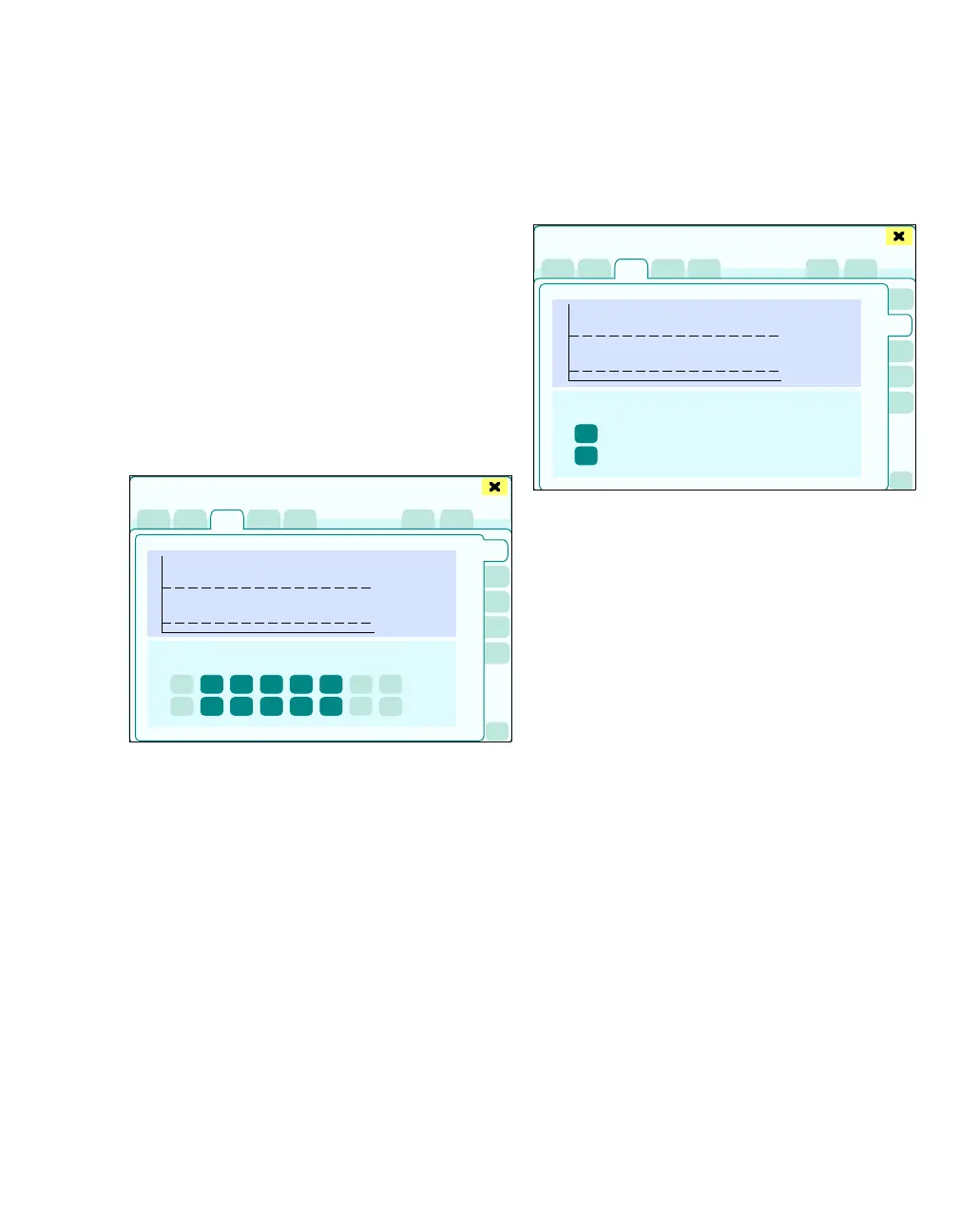
The graphic displays a 30-minute trend of the
alarm-related parameter. The broken lines (H) in
the graphic represent the alarm limits and are
moved accordingly.
If the alarm limit of the parameter is being moni-
tored, the color of the button is dark green – other-
wise it is bright green.
Non-invasive patient monitoring (op-
tional)
z Touch the Noninvasive button (A).
The following upper and lower alarm limits can be
configured:
B HR (heart rate)
C SpO2 (blood oxygen saturation)
D NIBP S/NIBP D/NIBP M
Blood pressure depending on the set parame-
ter: S, D, or M
E T1 (temperature, measuring point 1)
F T2 (temperature, measuring point 2)
G TBlood (blood temperature)
monitored for C.O. measurement
H NMT (TOF count)
I BIS (BIS index)
Invasive blood pressure monitoring (op-
tional)
z Touch the Invasive button (A).
The alarm limits can be configured depending on
the selected parameter (B) S, D or M. Only the
alarm limits of the blood pressure sensors currently
connected are shown.
359
Alarms
A
B
C
D
E
F
G
H
I
360
Alarms
A
B











 To Next Page