Operation
138
Instructions for use Zeus Infinity Empowered SW 2.n
Web access (optional)
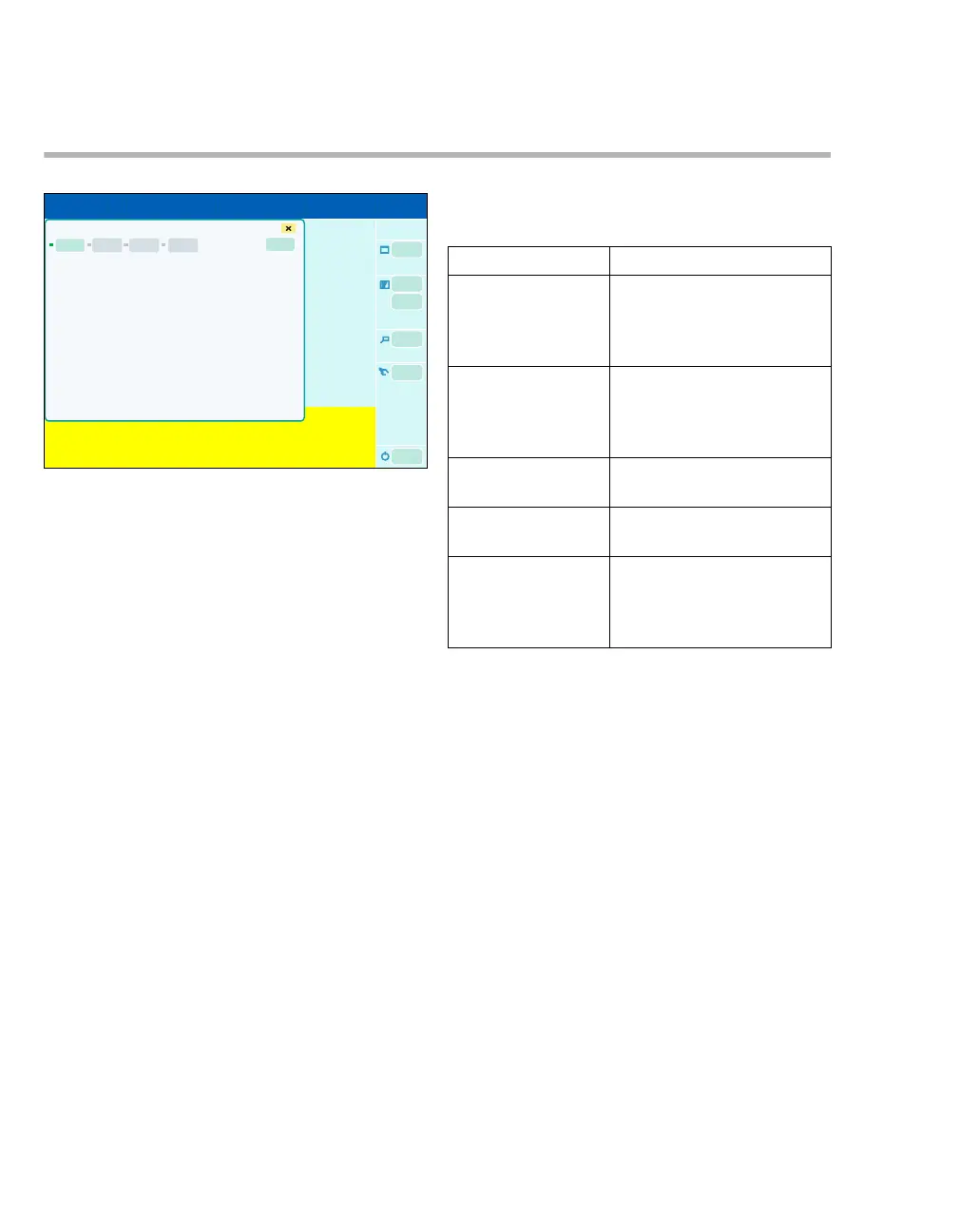
z Touch the Web access button (A) on the sys-
tem standby screen (example) or during opera-
tion.
The dialog window shows the web application. En-
abled accesses are shown in green and non-ena-
bled accesses are shown in gray.
The LED indicates the status of the web applica-
tions:
– Gray: Not enabled
– Green: Web application launched
– Red: Web application stopped
Only web applications approved by Dräger can be
used.
Applications approved as web applications in con-
junction with Zeus IE:
– WebViewer Version VF4
– WebViewer Version VF5
The specified applications can be used with the fol-
lowing restrictions:
308
A
Web access screen 1
Functions Function restrictions
Saving the diagno-
sis log to a file if no
patient data is
transferred.
A text box opens: "Unable
to open file".
Saving the diagno-
sis log to a file if pa-
tient data is trans-
ferred.
It can be saved, but the files
cannot be opened and
viewed again.
Saving the trend
data to a file.
A text box opens: "Error in
output file selection"
Calling up the help
function.
The help function cannot be
launched.
Application display As the display is very small,
the alarms, alarm limits,
curve identifiers, etc. are
difficult to read.











 To Next Page