Instructions for use Zeus Infinity Empowered SW 2.n 189
Monitoring
Device monitoring
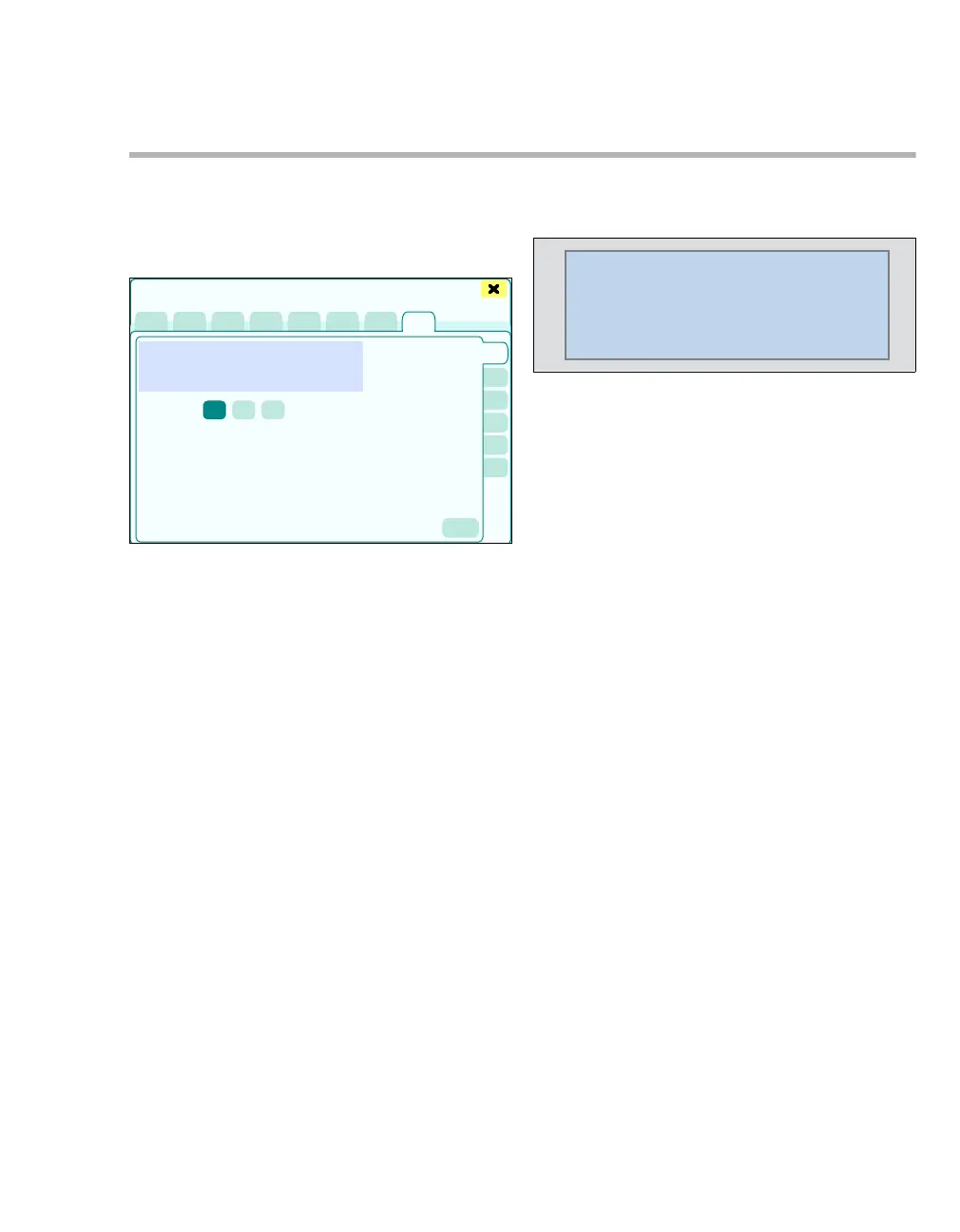
z Touch the Anesth./ Ventilation tab (A).
An overview of current settings for ventilation and
anesthesia is displayed.
The dialog window displays the following pages:
B CO2 (setting the amplitude of CO2 scale)
C Oxygen (setting the amplitude of O
2 scale)
D Flow (setting the amplitude of Flow scale and
Vol. scale, Waveform selection)
E Paw (setting the amplitude of Paw scale)
F Volatile agent (setting the amplitude of VA
scale)
G PV FV Loops (setting and selecting the loops)
CO2
The parameter box CO2 displays
– the inspiratory (in) CO
2 concentration in the
breathing gas
– the expiratory (et) CO2 concentration in the
breathing gas
– the respiratory rate RR from the CO
2 signal
Additionally after touching the Display all button
(prerequisite: Display all button has been config-
ured, see page 332):
– Currently set alarm limits
404
Sensors/Parameters
A
B
C
D
E
F
G
225
73
24
7
53
23
CO2
et
mmHg
RR
in











 To Next Page