Alarms
172
Instructions for use Zeus Infinity Empowered SW 2.n
Autoset limits
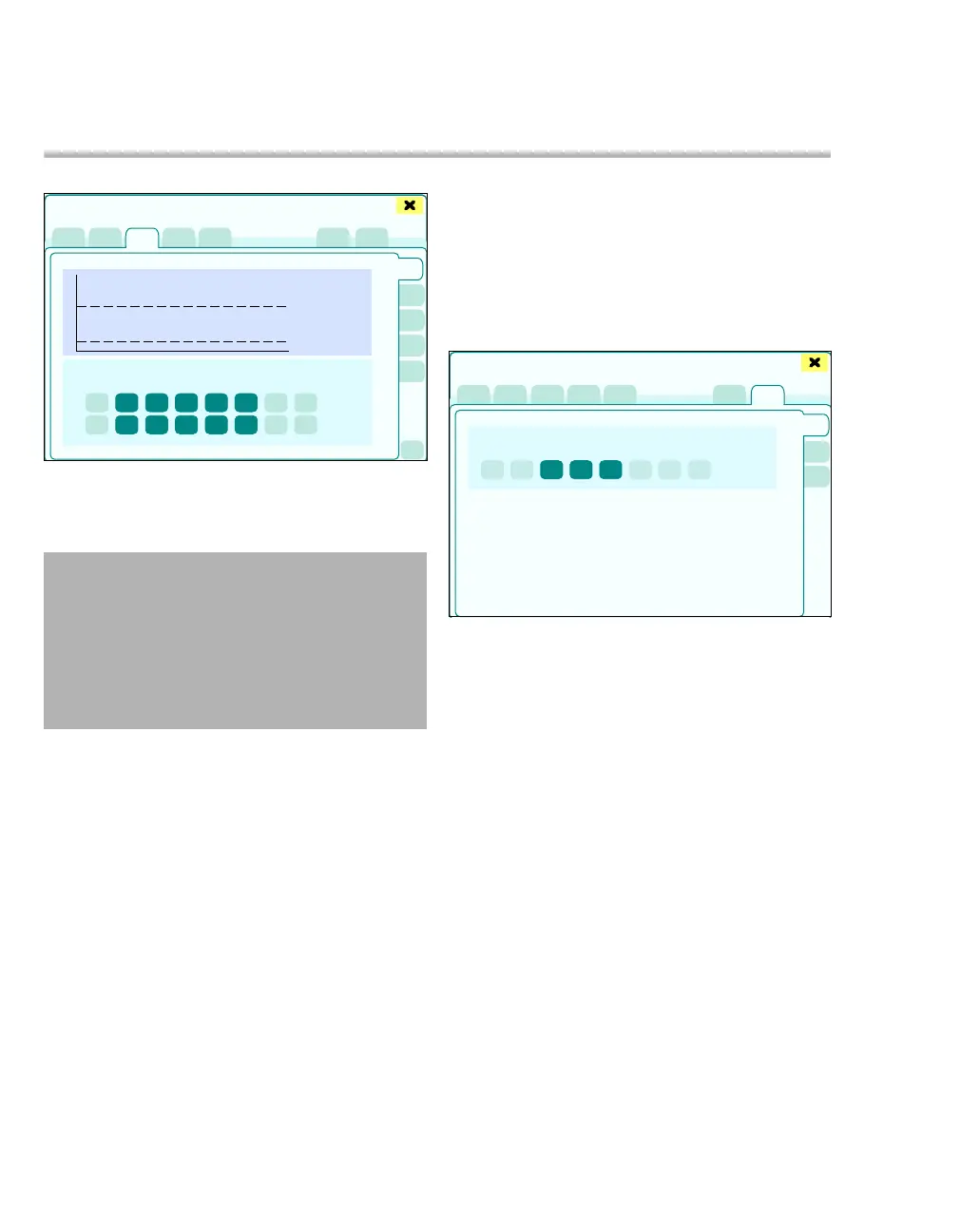
The Autoset button (A) is used to adjust the alarm
limits displayed in the Alarm limits dialog window
(B) to current measured or set values.
Autoset can be performed for the following areas:
– Noninvasive
– Invasive
– Ventilation
– Anesth.
1 Touch the corresponding tab, e.g., (C).
2 Touch the Autoset button (A). The Autoset but-
ton is preselected in yellow. Alarm limits that will
be recalculated by the Autoset function are
highlighted in yellow on the respective page.
3 Touch the Autoset (A) button. The alarm limits
highlighted in yellow will be recalculated.
The limit is adjusted based on the formula:
For exceptions, see table "Adjusting the lower and
upper limit values according to set points and pa-
tient demographic data" on page 174.
The Autoset difference (X) is set in the Autoset
limits dialog window.
z Touch the Autoset limits tab (D).
The Autoset difference (X) can be set for the follow-
ing areas:
E Hemodyn.
F IBP
G Anesth./ Ventilation
359
WARNING
The Autoset function always refers only to the
alarm limits highlighted in yellow on the par-
ticular page!
This resets the previously active alarm limits!
Disabled alarms are not automatically ena-
bled.
Upper limit = Current measurement + X %
Lower limit = Current measurement – X %
Alarms
A
B
C
371
Alarms
D
E
F
G











 To Next Page