Configuration
322
Instructions for use Zeus Infinity Empowered SW 2.n
Configuration information
Zeus IE is provided with comprehensive features
for configuring all settings to suit different applica-
tions.
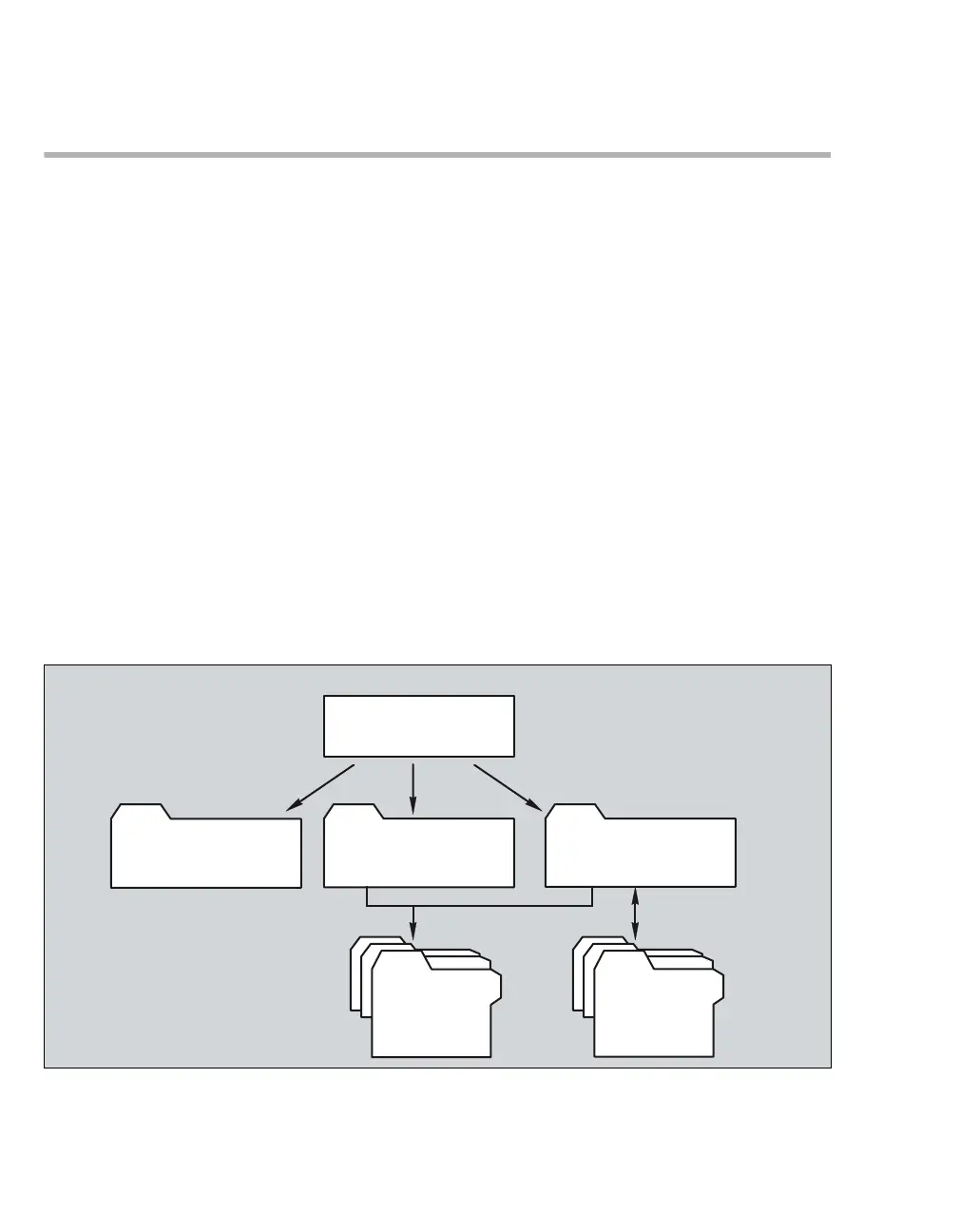
Zeus IE settings are divided into three groups:
– Basic settings
– Profile settings
– View settings
The basic settings contain the settings that are
made once for a department or a device location
and then not usually modified again. These set-
tings, which can only be accessed in system
standby with the aid of an access code, include for
example: units of measurement, language, current
time, and communication settings.
The profile settings contain the settings for venti-
lation, gas delivery, IV delivery, screen, and alarm
limits as well as presets for the patient data (age,
weight, etc.). For different patient categories and
applications up to 16 different so-called user-pro-
grammable profiles can be generated and saved.
A profile contains both, profile settings and view
settings.
The following non-deletable profiles are supplied by
the manufacturer:
– Neonatal (5 kg)
– Pediatric patients 1 (20 kg)
– Pediatric patients 2 (40 kg)
–Adults1 (80kg)
– Adults 2 (100 kg)
When starting a new case, the profile defined by
the user as the default is always loaded.
The view settings contain the parameters for dis-
playing data and curves as well as the sensor set-
tings. This defines color, appearance, curve scal-
ing, etc. Up to 16 views can be generated and
saved. For example, a view can be saved with or
without IV data display.
When starting a new case, the view settings are
provided by the profile selected.
248
Zeus IE settings
Profile settings
(ventilation settings, screen settings,
alarms, etc.)
View settings
(curves, tone volume, color, etc.)
Basic settings
(units, languages, prices, drug library,
etc.)
Profiles
(5 factory profiles, up to
16 user profiles)
View
(1 factory view, up to
16 user views)
Calling up during op-
eration or in system
standby
Load/Save
Load/Save











 To Next Page