Instructions for use Zeus Infinity Empowered SW 2.n 45
Operating concept
Main menu bar
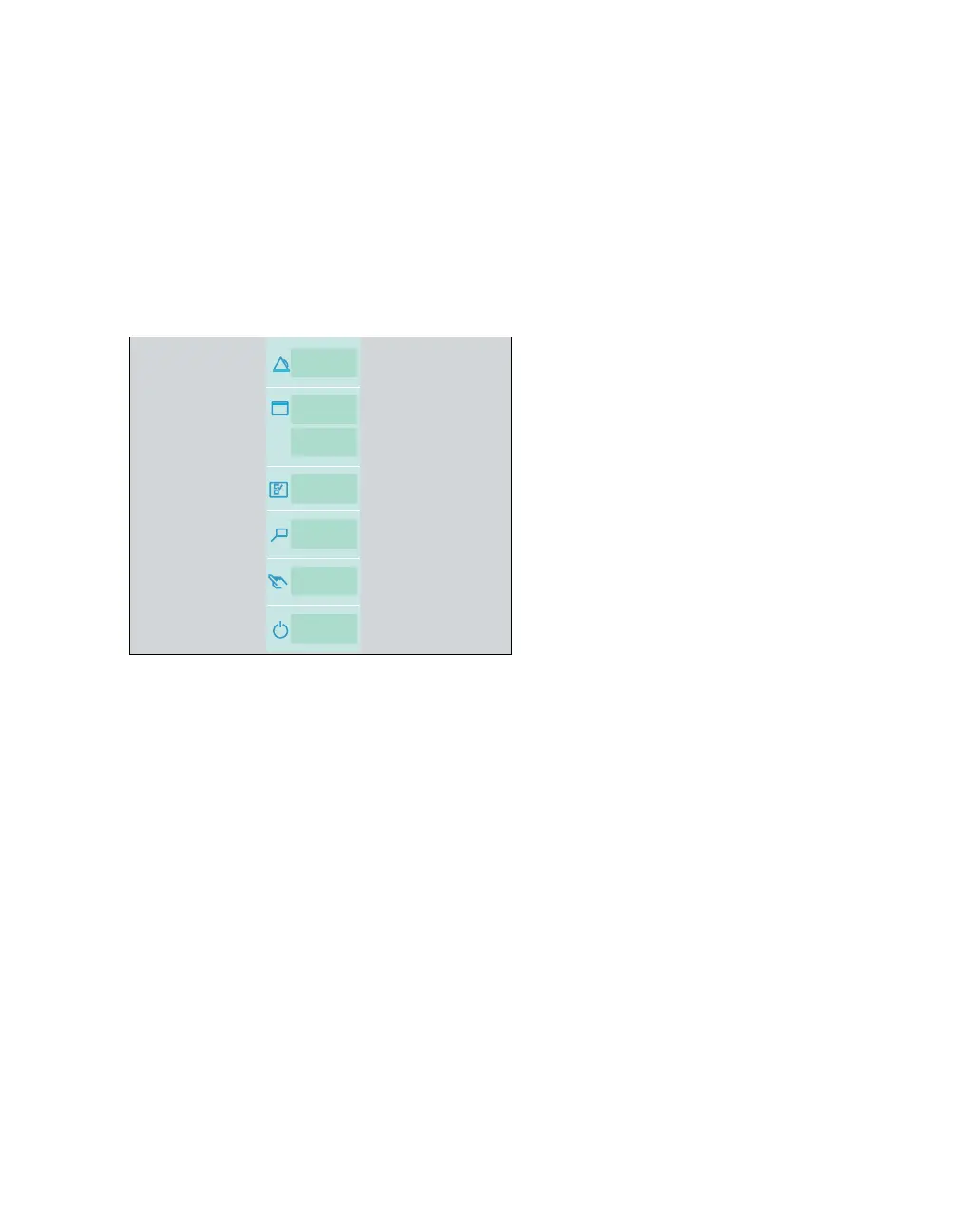
The main menu bar contains fixed assigned but-
tons and configurable buttons. The buttons are as-
signed to groups. Touching a button opens the cor-
responding dialog window or activates the
corresponding function.
Fixed assigned buttons
A The Alarms button opens the Alarms dialog
window. Among other things, this dialog window
can be used to set alarm limits, see page 162.
B The Views button opens the Views dialog win-
dow. This dialog window is used to choose be-
tween various user-defined views.
C The Home button closes all open dialogs and
immediately returns to the main screen.
D The Screen setup button opens the Screen
setup dialog window. This dialog window is
used to configure the screen, see page 329.
E The Trends/Data button opens the
Trends/Data dialog window. This dialog is used
to call up the diagnosis windows.
F The NIBP start/NIBP stop button starts or
stops the NIBP measurement.
G Start/Standby button
– in standby mode, it opens the Startup dialog
–in Vent. standby mode, it switches into
Standby mode
– during operation, it switches into Standby
mode after confirmation.
Configurable buttons
Additional buttons for directly accessing functions
or dialog windows can be configured. These but-
tons are automatically assigned to the correspond-
ing group, see "Configuring the screen"
on page 329.
100
A
B
C
D
E
F
G











 To Next Page