Instructions for use Zeus Infinity Empowered SW 2.n 329
Configuration
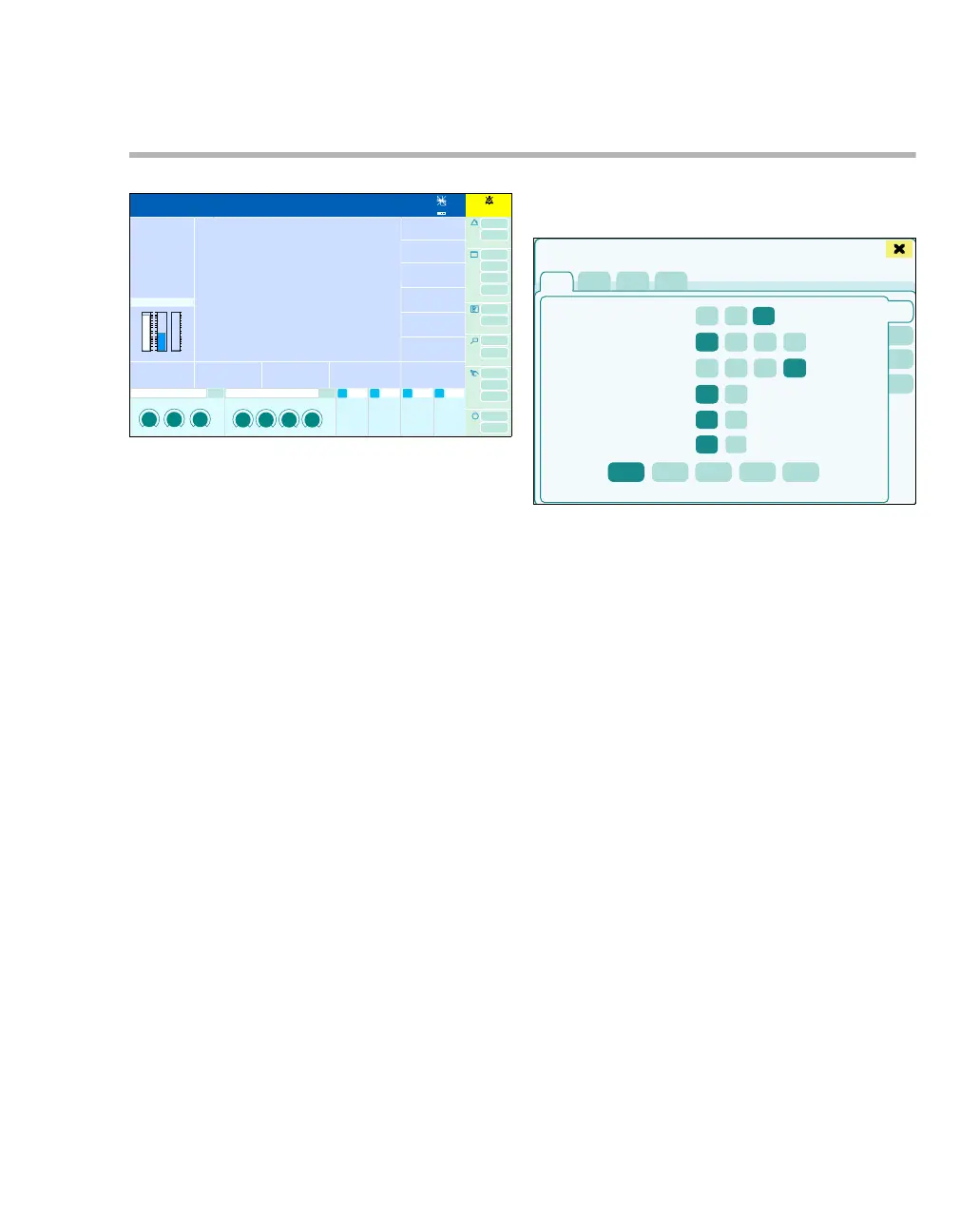
Configuring the screen
z In the main menu bar, touch the Screen setup
(A) button.
The Screen setup > Screen layout dialog window
appears.
The following settings can be configured in the
Screen setup dialog window:
– Screen layout
– Customize buttons
– Brightn./ Volume
– Colors
Screen layout
The Screen layout (A) shows the settings for:
A General
B Waveforms
C Data
D Web access
301
1:35
A
432
Screen setup
A
B
C
D
E











 To Next Page