Configuration
330
Instructions for use Zeus Infinity Empowered SW 2.n
Screen layout General
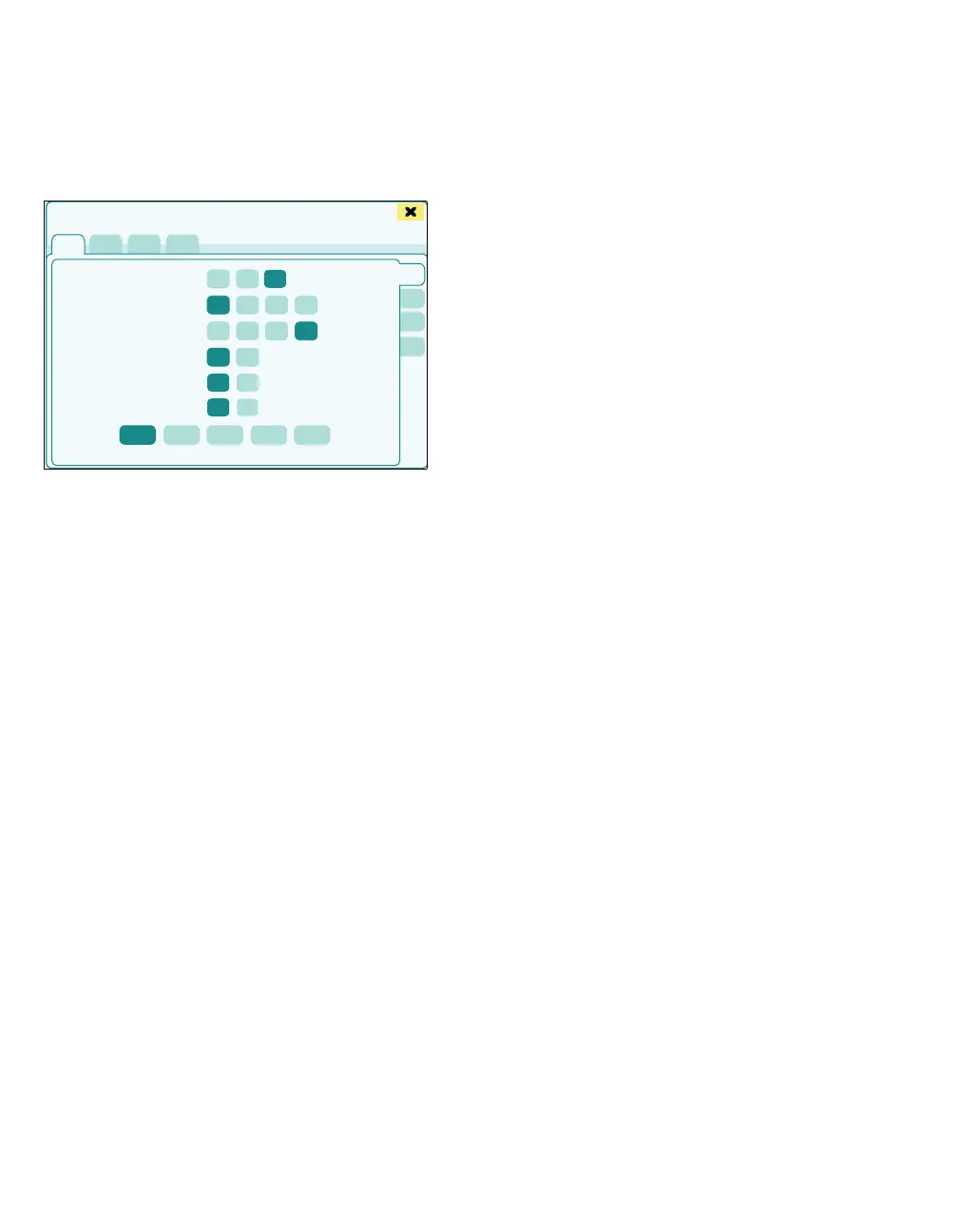
The Screen layout > General page (A) opens.
The following screen settings can be configured:
B Display mode: Day light, Day dark, Night
– Day light: Displays a bright background
with bright buttons and dialog windows
– Day dark: Displays a dark background with
bright buttons and dialog windows
– Night: Displays a completely darkened
background
C Waveform speed: Hemodynamics [mm/s]
D Waveform speed: Ventilation [mm/s]
E Ventilation waveforms: Waveform Filled or as
a Line
F Waveform smoothing: On, Off
If lines are selected for displaying the wave-
forms, smoothing can be switched on or off.
G Display mini trends: On, Off
H Additional monitoring field:
– Loop,
– O
2, CO2,
– HR, NIBP,
– HR, NIBP, SpO2,
– Off
Other displays of parameters as loop or trend
display in combination with the flow tubes,
seepage194.
Display of mini-trends
1 Touch the On button for Display mini trends
(G).
If the Off button under Additional monitoring field
has not been activated:
– The parameters currently set are displayed as a
mini-trend between the current curve and the
loop display and flow tubes.
If the Off button under Additional monitoring field
has been activated:
– The parameters current set are displayed as a
mini-trend on the left next to the current param-
eter curves.
Trend length is 30 minutes (intervals of 5 minutes).
The individual parameters can be called up under
the following displays in the Trends/Data dialog
window for an accurate analysis:
– Graph. trend display
– Tab. trend display, see page 184.
432
A
B
C
D
E
F
G
H
Screen setup











 To Next Page