Assembly and preparation
60
Instructions for use Zeus Infinity Empowered SW 2.n
Establishing the mains power supply
The mains voltage must correspond to the voltage
range indicated on the rating plate.
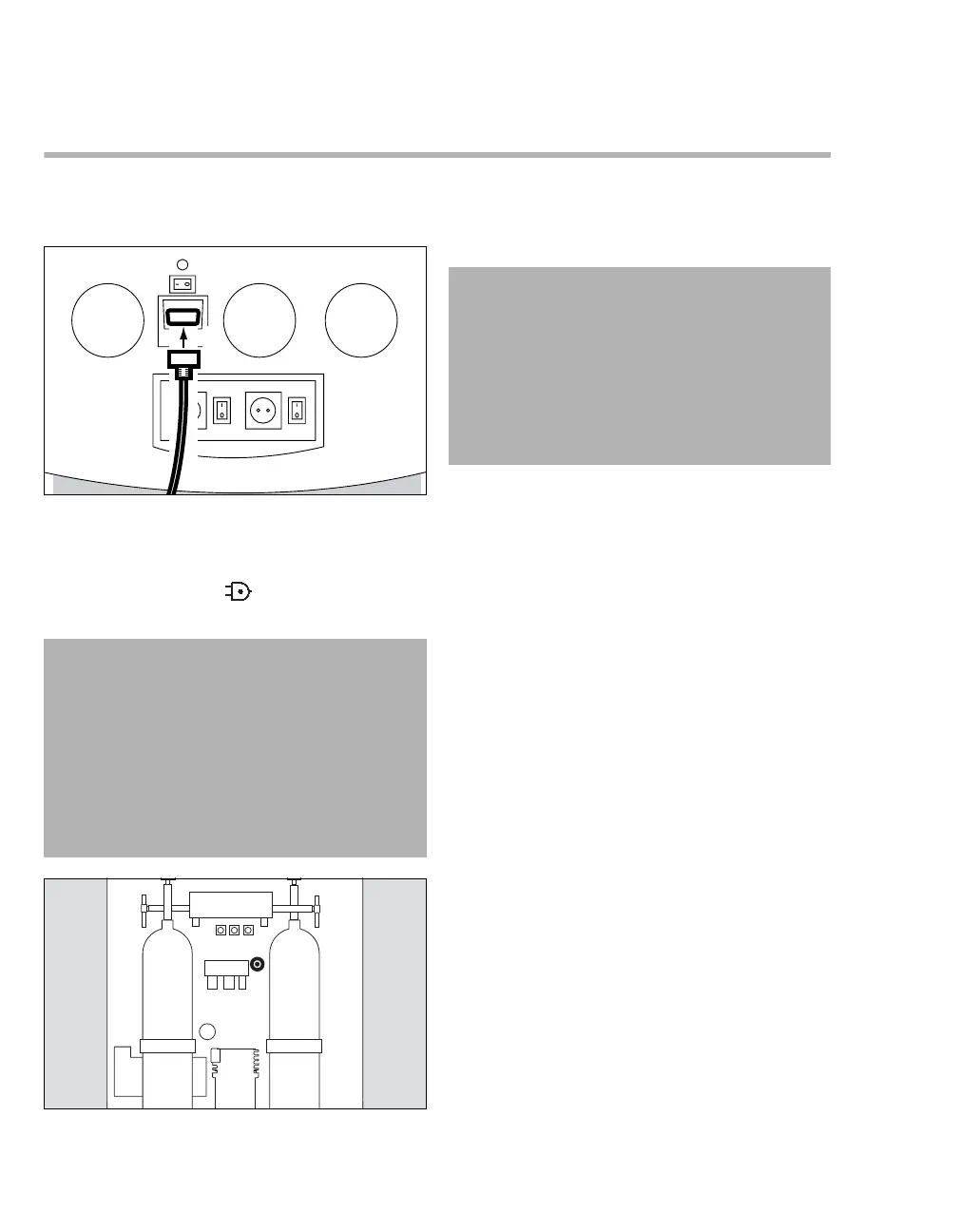
1 Plug the IEC line socket (A) into the device. Se-
cure with the screws.
2 Insert the mains plug into a wall socket. The
LED with the symbol , situated on the screen
housing, turns green.
3 Check whether the circuit breaker (B) is
pressed. Pressed is indicated by a white circle
on a black background.
174
WARNING
Risk of electric shock
If the device is connected to a power socket
with incorrect mains voltage or without a pro-
tective ground, persons may be injured and
the device may be damaged.
Only connect the device to power sockets with
the permissible mains voltage and a protec-
tive ground.
264
A
B
CAUTION
Only press the circuit breaker if the screen has
completely failed.
The circuit breaker disconnects Zeus IE, except
for the screen, from the battery and from the ex-
ternal power supply.
To disconnect the entire device from the power
supply, unplug the mains plug.











 To Next Page